Bring parking, permits, inspections, evidence and reporting into one practical council workflow.
Competing movements
Passengers, deliveries, commercial operators and works vehicles can compete for the same curb space.
Aero Ranger helps traffic-control teams record curbside activity, apply site rules, coordinate follow-up and give supervisors a reviewable history of what happened.
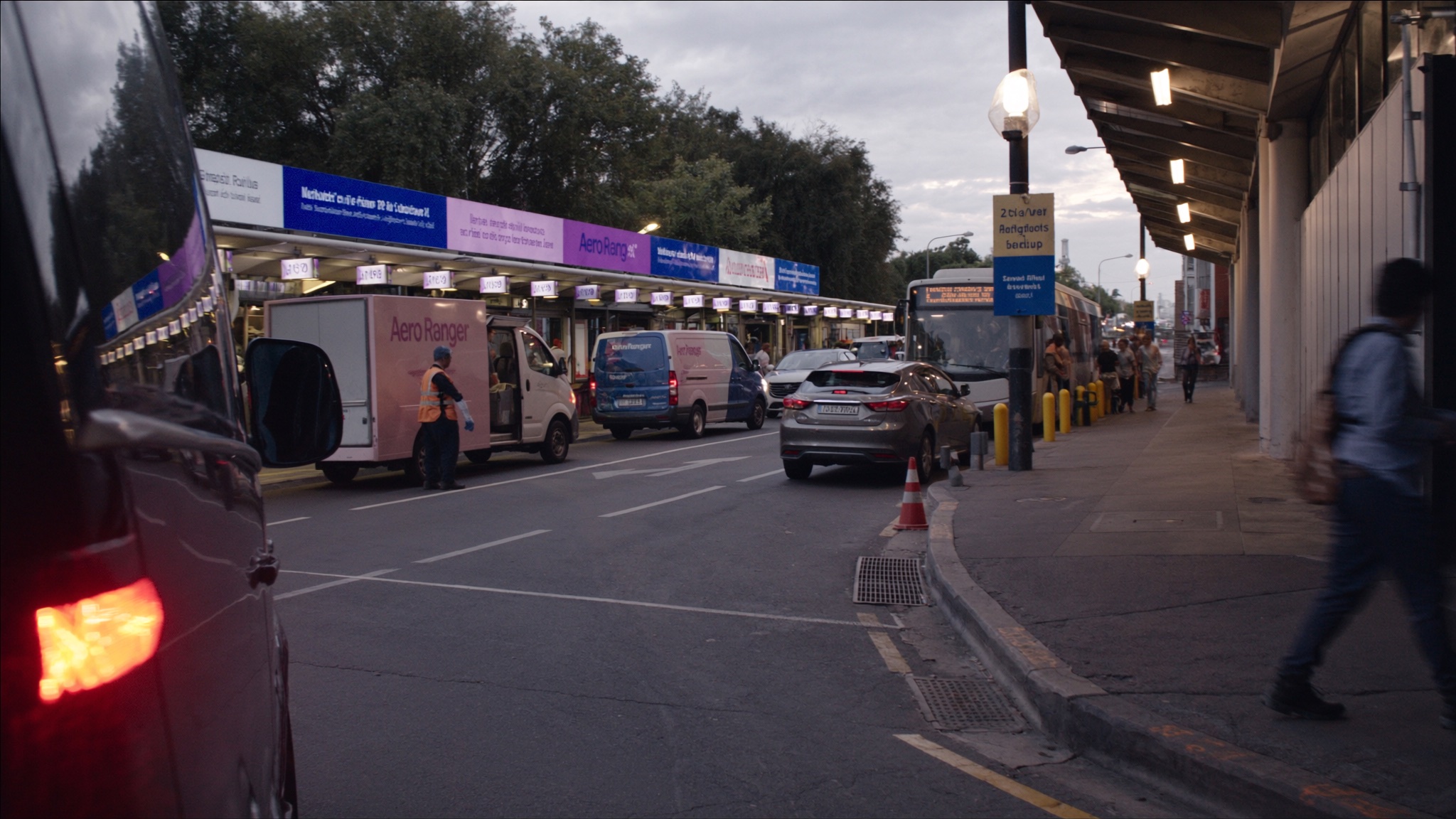
Passenger pick-up, deliveries, service vehicles, works crews and temporary access changes can converge in the same limited space. Teams need a consistent field record that survives handovers and supports supervisor review.
Passengers, deliveries, commercial operators and works vehicles can compete for the same curb space.
Schedules, access points and temporary controls can change during a shift and alter the required response.
Radio calls, photos and notes lose value when they cannot be reviewed together later.
Client reports take longer when activity and outcomes must be reconstructed after the shift.
The useful question is not which feature exists. It is whether the team can see the place, rule, evidence, exception, next action and review history before making a decision.
Represent terminal frontage, loading areas, pick-up lanes, restricted access and temporary operating areas.
Zones, schedules and site-rule context.Keep issue photos, notes, time and location context together for later review.
Evidence, timestamps, location and officer observations.Move operational exceptions into a person-led queue with the context required to decide the next action.
Cases, status, ownership and audit history.Assign pending actions and preserve the current state when work moves between crews or supervisors.
Tasks, due dates, notes and notifications.Review recurring pressure by place, time, activity type or operating condition.
Intel filters, zone analysis and exports.Report activity and outcomes from the operating record rather than rebuilding the shift manually.
Case records, reports and exportable histories.Location and field context help reviewers understand the movement, site condition, applicable operating rule and required follow-up.
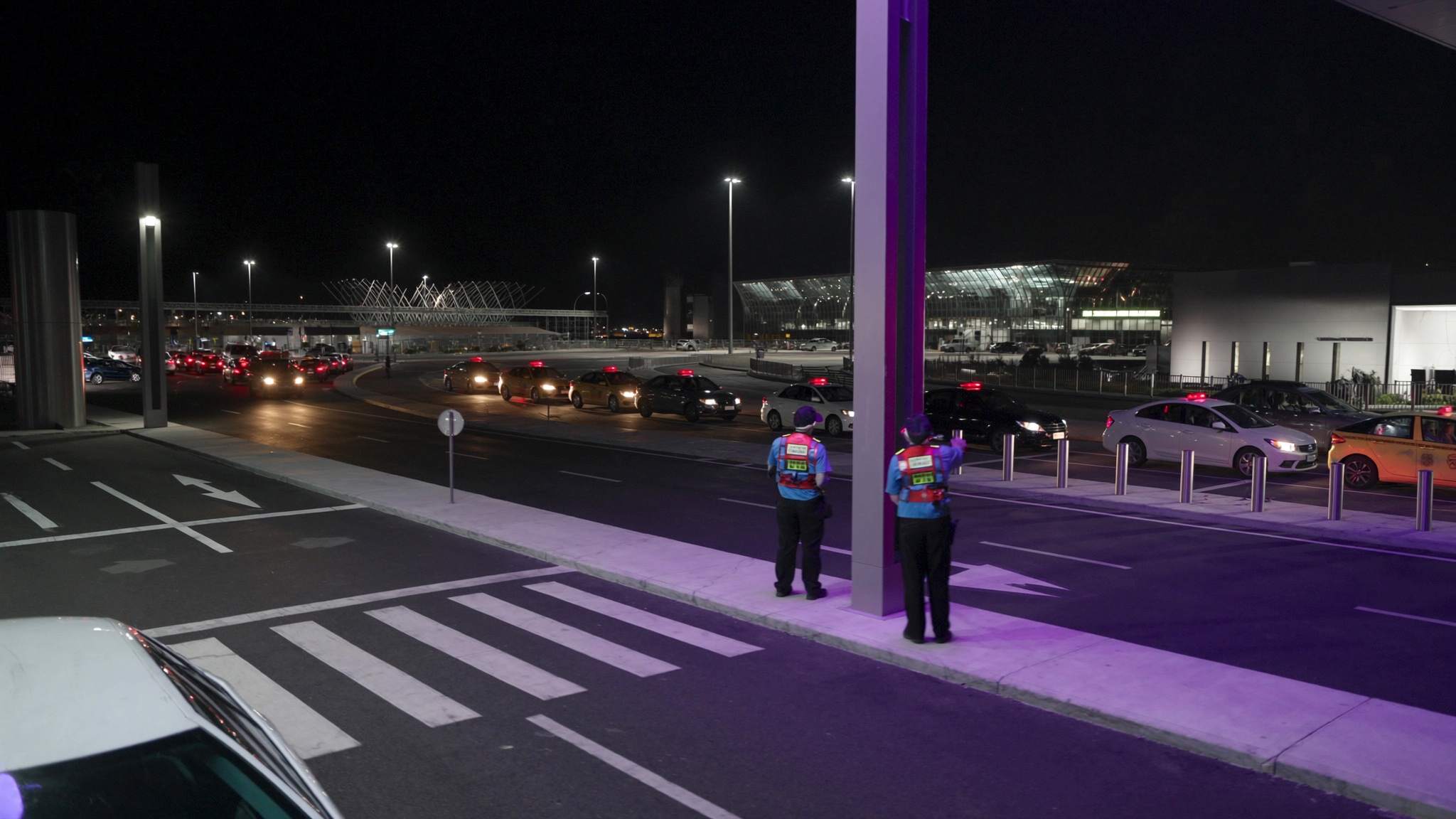
Identify the kerb, lane, frontage, access point or temporary traffic arrangement where the activity occurred.
Keep the schedule, access condition, permit category or site instruction visible during review.
Record who owns the next action and what information the next crew, supervisor or client contact needs.
A contextual CORE view keeps the location, field evidence, operating condition, current status and next action together.
Vehicle activity affecting the operating lane
08:42 · Terminal frontage zone
Schedule, access and site-condition check
Aero Ranger keeps the issue photos, place context, rule context and follow-up state together so the case can be checked later without rebuilding the record.
The issue photo stays on UT-TC-10428 with the case note and current case status.
Site, street, reserve, bay, kerbside or zone context stays attached so reviewers can see where the issue occurred.
The relevant signage, permit condition, local-law category or operating rule is recorded beside the issue evidence.
Later photos, reinspection notes, notice evidence and closure decisions remain in the same case trail.
In CORE, curbside operations work best as a configurable case type that keeps field observations, operating conditions, tasks, review decisions and reporting tied to one record.
Kerb, lane, access point, vehicle or activity type, date, time and current site condition.
Photos, notes, timestamps, documents and any relevant vehicle or permit context.
Responsible crew, supervisor, client contact, next action and due date.
Review notes, action taken, reason, later observations and closure outcome.
Start with a defined kerbside area and operating rule, then keep each observation, decision and outcome attached to the same workflow.
Map the kerbside, frontage, lane or access point and record the applicable operating conditions.
Capture the observation with location, time, photos, notes and relevant vehicle or site details.
Review schedules, access rules, permits, exclusions and temporary instructions before deciding what happens next.
Send the matter to the responsible crew member, supervisor or back-office reviewer with the field record attached.
Record the outcome and use the same history for client reporting and recurring-issue analysis.
A consistent field record can support airport roads, event precincts, loading areas and temporary access changes.
Coordinate taxis, rideshare, shuttles, passenger drop-off and commercial access.
Manage temporary routes, permits, staging areas and changing vehicle movements.
Keep loading access, delivery activity and operational exceptions visible.
Record changed conditions, access restrictions and follow-up across active works.
Bring a real kerbside operation and we will map the field record, handover, review and reporting requirements with your team.
Technology procurement guide
Use your organisation or government email address. Your guide will be ready to open as soon as the form is submitted.

