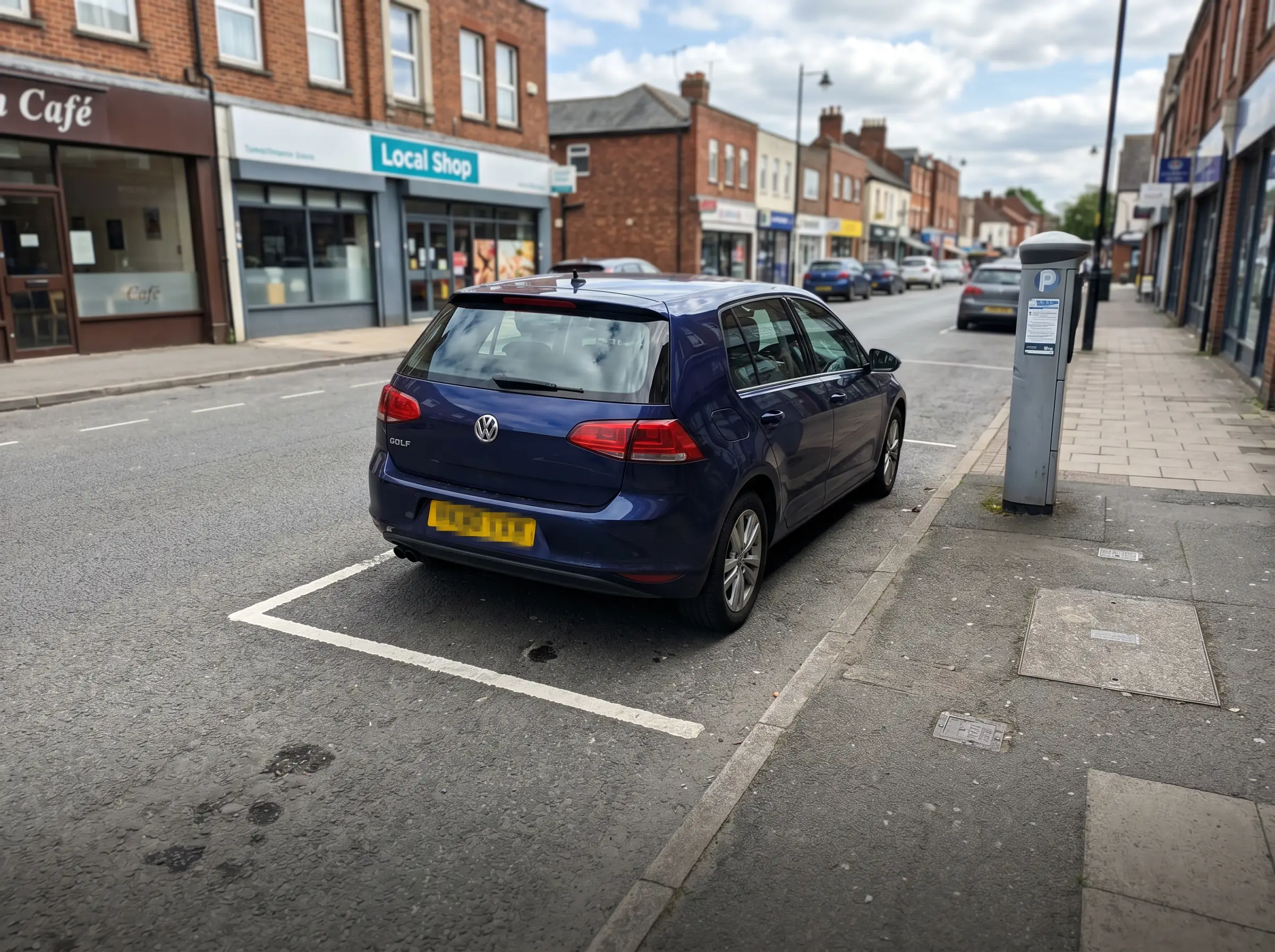
Wrong zone risk
A vehicle can be legal in one bay group and over time in the next. The workflow needs accurate location and zone context before it can make a fair decision.
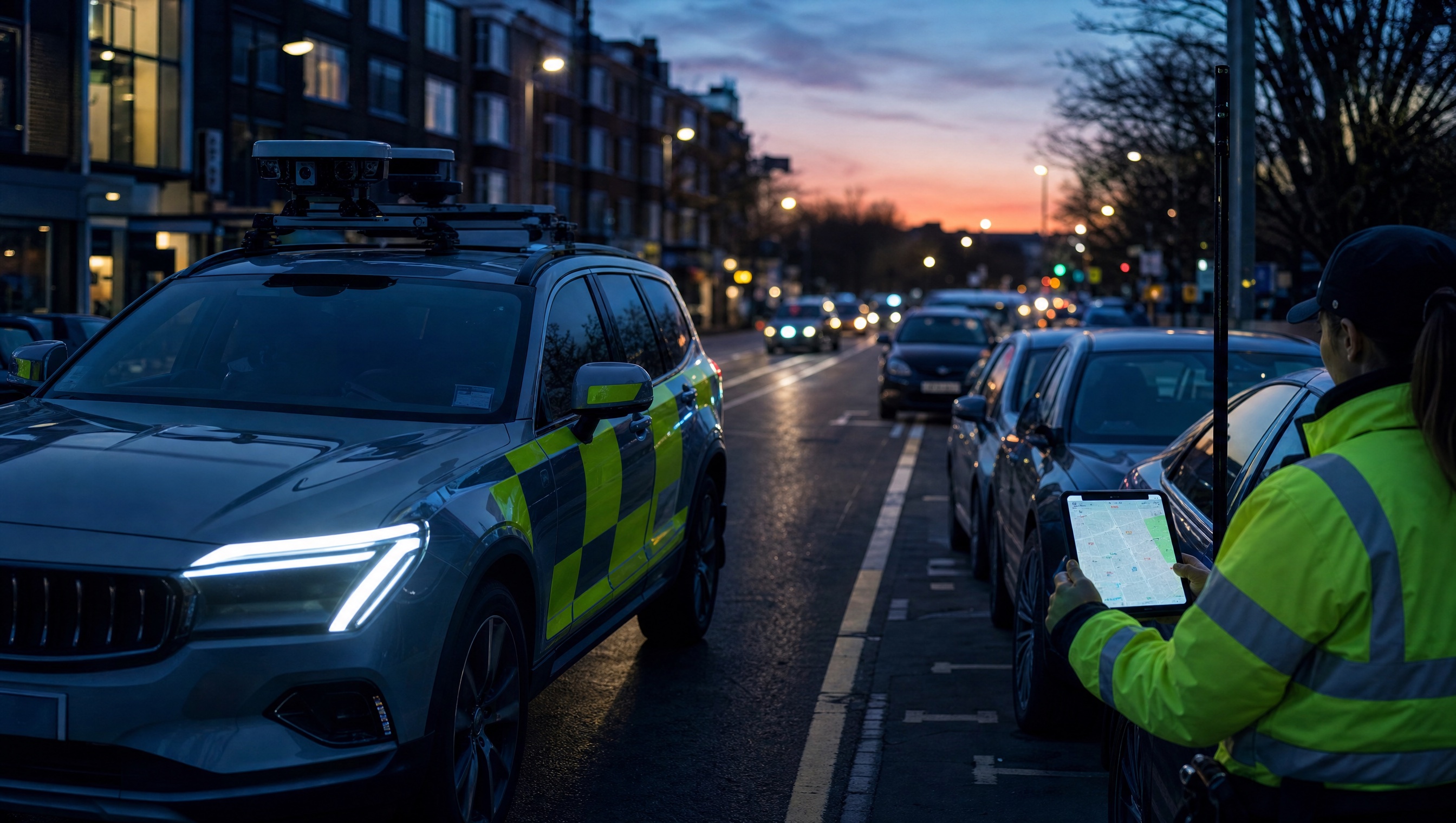
Aero Ranger helps parking teams detect vehicles that exceed timed parking limits by combining RTK-enabled patrol location, ANPR reads, zone profiles, grace periods, alerts, evidence capture and case workflows.
Timed parking enforcement breaks down when location precision, zone schedules, grace periods and evidence records live in separate places. Teams need a clean way to connect the plate, bay, rule, timestamp and follow-up action.
A vehicle can be legal in one bay group and over time in the next. The workflow needs accurate location and zone context before it can make a fair decision.
Chalk, notes and repeat drive-bys are hard to scale across busy streets, off-street car parks, loading bays and school pick-up areas.
Teams need to apply max stay, grace, active schedules, min sightings and repeat-violation handling consistently across different zones.
A detected overstay still needs a clean record: plate, time, place, rule, photos, officer action, offence mapping and export-ready documents.
The useful question is not which feature exists. It is whether the team can see the place, rule, evidence, exception, next action and review history before making a decision.
Capture plate, timestamp, device location and route context while patrol vehicles move through timed parking zones.
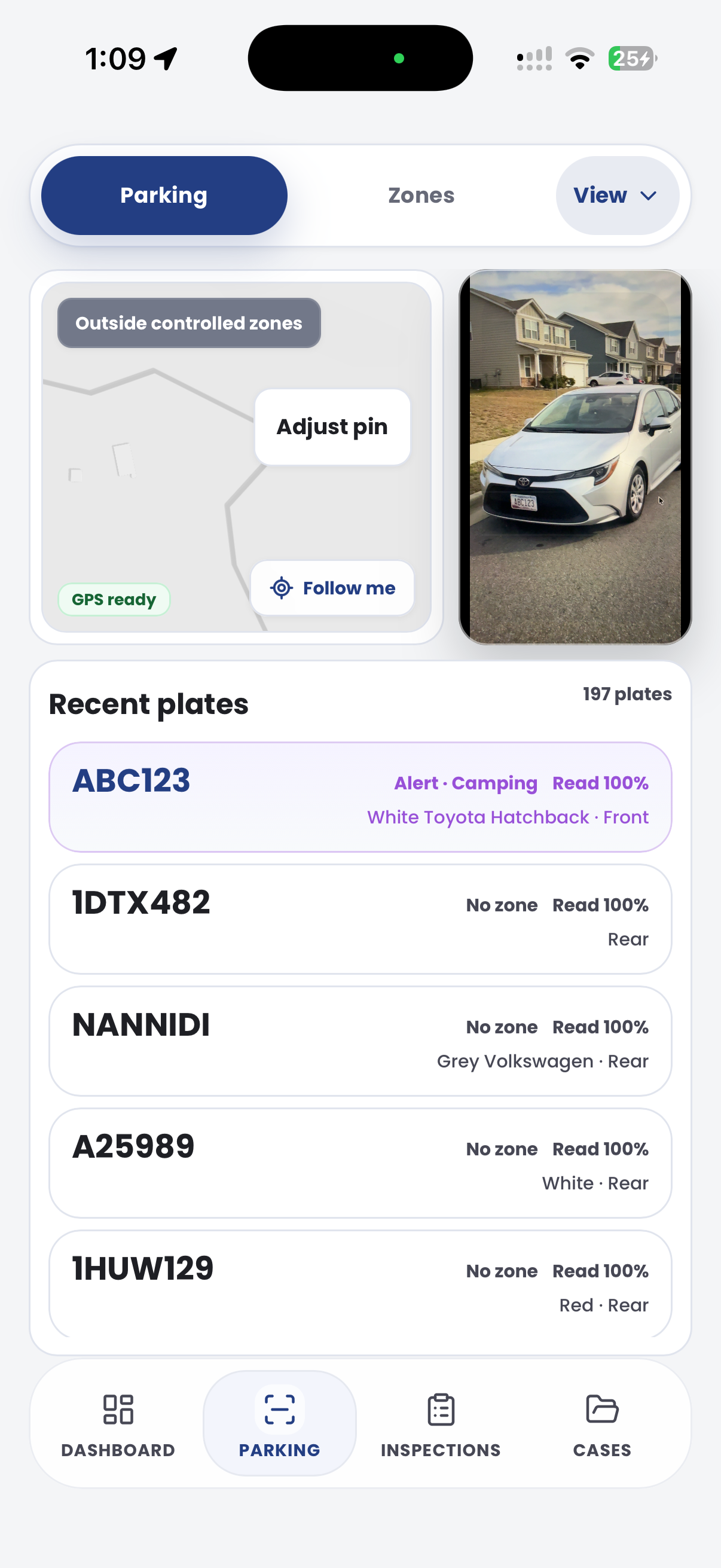
ANPR reads, device GPS/RTK context, vehicle replay and zone visit history.Configure reusable profiles for max stay, grace, min sightings, active schedules, detection confidence and repeat handling.
Zones, profiles, schedules, overrides and zone settings.Compare dwell or chain span against the active zone profile so vehicles only escalate when they exceed the allowed stay plus grace.
Timed-zone decisions, dwell windows, repeat controls and overstay enforcement outcomes.Surface overstay vehicles to officers in the field or keep lower-priority matters for dashboard review.
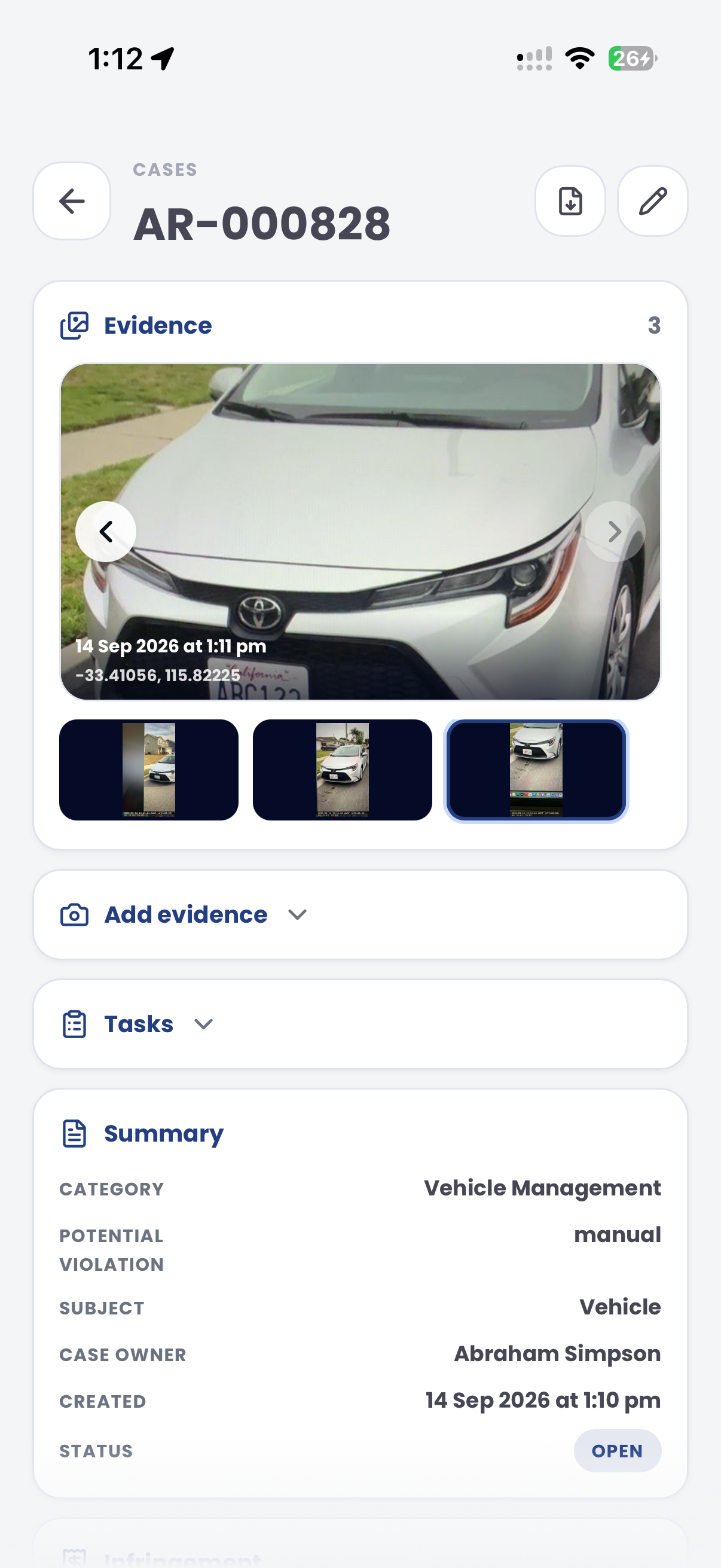
Parking Alerts, alert categories, rules, in-vehicle delivery and dashboard-only status.Attach field photos, GPS, timestamps, inspection outcomes, officer notes and follow-up tasks to the same record.
Cases, inspections, PatrolLink evidence capture, photos and audit history.Map the detected overstay decision to the right local law or enforcement outcome and render notices from case data.
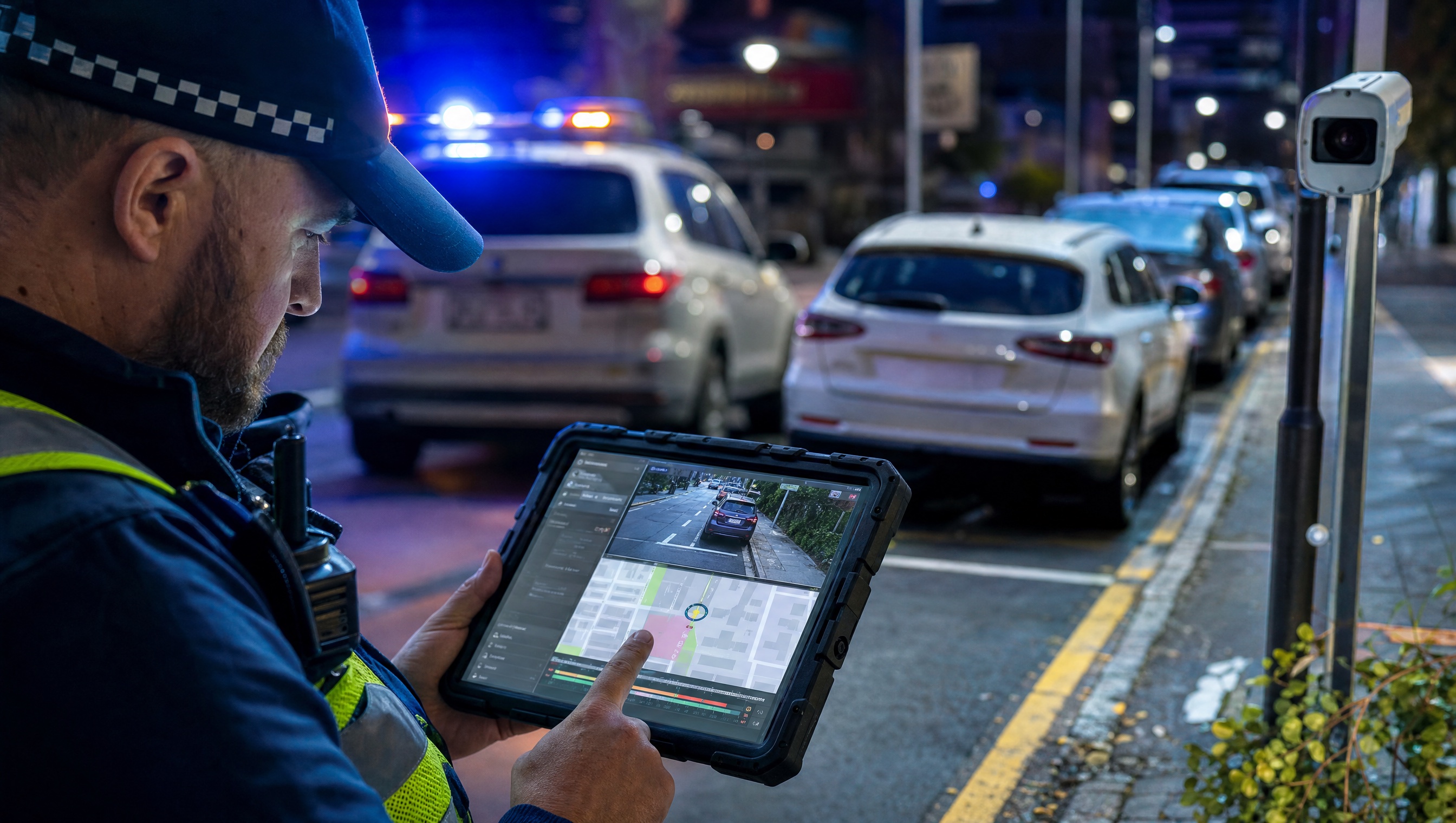
Parking Offence Mapping, Local Laws, Document Builder and integration exports.Overstay detection depends on field context and system context: which vehicle, which zone, what schedule was active, what grace applied and whether the record is ready to review.
Tie patrol location and plate reads to the correct zone boundary, street segment, bay group or off-street area.
Use zone profiles for max stay, grace periods, min sightings, active schedules and repeat handling.
Keep reads, timestamps, GPS, photos, inspections, notes and offence mapping attached to the same reviewable record.
A timed-zone review links first sighting, repeat sighting, grace period, exception check and issue decision.
Vehicle exceeded timed parking window
10:05 to 12:24 · 2P town centre
Vehicle stayed longer than the paid or posted time limit
Aero Ranger keeps the issue photos, place context, rule context and follow-up state together so the case can be checked later without rebuilding the record.
The issue photo stays on PK-45192 with the case note and current case status.
Site, street, reserve, bay, kerbside or zone context stays attached so reviewers can see where the issue occurred.
The relevant signage, permit condition, local-law category or operating rule is recorded beside the issue evidence.
Later photos, reinspection notes, notice evidence and closure decisions remain in the same case trail.
Overstay enforcement is a timed observation workflow. Council needs to show the vehicle was in the right zone, under the right sign, for longer than allowed, with any grace period or exception considered before issue.
Check active days, hours, sign wording, bay or street segment, time limit, grace period and any permit or disability exceptions.
Link first and later sightings, photos, GPS or bay context, officer notes and any manual confirmation to the same review record.
Decide whether the matter is valid, unclear, exempt or suitable for warning, then report streets and time windows where overstays concentrate.
Rego, first observed time, repeat observed time, patrol vehicle, GPS position and confidence context.
Timed zone, permitted duration, grace period, active days, active hours, bay or street segment and local rule reference.
ANPR reads, location trace, photos, officer notes, timestamps and any manual confirmation made before issue.
Permits, authorised vehicles, disability permits, loading exemptions, signage issues and officer override reasons.
Review, warn, issue, close, export, appeal review, hotspot reporting and patrol route refinement.
Teams can start with a pilot street or car park, tune thresholds and then expand the same model across loading bays, school zones, paid parking and permit-adjacent areas.
Define street segments, off-street areas, loading bays or school zones with clear boundaries and schedules.
Set max stay, grace, min sightings, active hours, overrides and repeat handling for each zone pattern.
Use ANPR and RTK/device location to record plate, time, zone and patrol context during normal enforcement runs.
Evaluate dwell or chain span against the rule and surface confirmed overstay vehicles to officers or dashboards.
Attach photos, inspections, offence mapping and document templates so the matter is review-ready before issuing.
Once zone rules, location capture, dwell logic and evidence workflows are working, other patrol challenges can reuse the same platform model.
Use longer dwell thresholds and recheck workflows for vehicles that appear not to move for days.
Use overnight dwell thresholds and restricted zones for public land camping compliance.
Apply the same zone, dwell and evidence pattern to restricted freedom camping areas.
Pair timed parking rules with permit categories, exemptions and paid session checks.
Use these CORE guides when setting up the zones, cases, permits, evidence templates, notices and reports that support this operating model.
Configure zone boundaries, schedules, profiles, overrides and cameras.
Open guide ->Set profiles, max stay, grace, min sightings, detection confidence and repeat handling.
Open guide ->Configure dwell thresholds, alert categories, delivery mode and dashboard review.
Open guide ->Capture overstay inspections with GPS, photos, timestamps, findings and follow-up.
Open guide ->Map the detected overstay decision to the correct local law or enforcement outcome.
Open guide ->Review patrol movement, zone visits, route coverage and historical vehicle context.
Open guide ->Share the short brochure with stakeholders, then use the procurement guide to frame requirements, governance, rollout and evaluation.
A client-ready summary of the operating problem, the workflow, and how Aero Ranger helps council teams manage it.
Open brochure - PDFA practical buying guide for requirements, evidence, local-law setup, integrations, governance and pilot planning.
Open guide - PDFBring a real timed parking scenario and we will walk from first ANPR read to zone-rule evaluation, alert, evidence capture, case review and notice generation.