Bring parking, permits, inspections, evidence and reporting into one practical council workflow.
Paper forms lose asset context
A completed sheet may not make the exact component, location or supporting photo easy to find.
Aero Ranger supports repeatable school playground checks with configurable prompts, photos, observed-condition notes, assigned follow-up and review history.
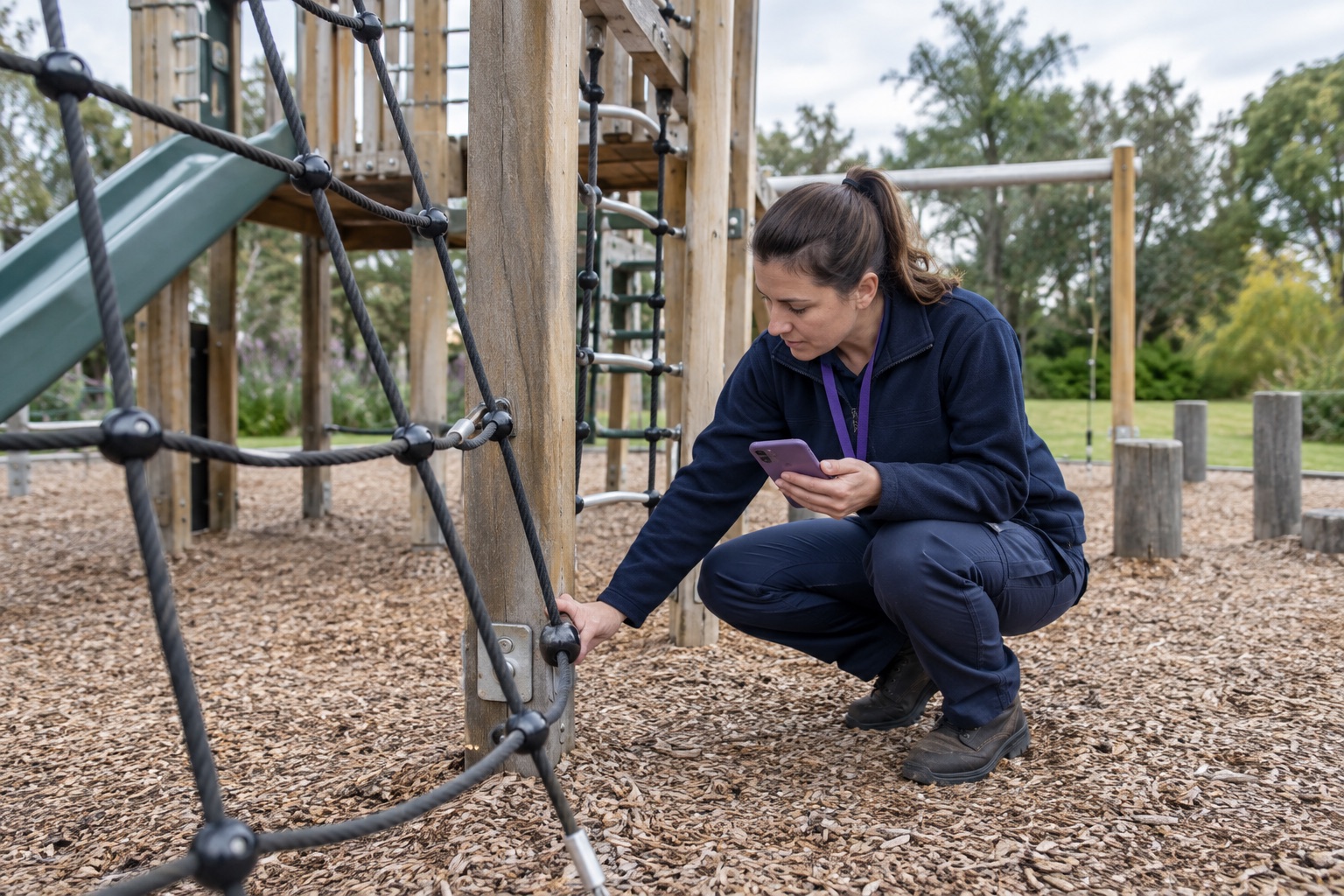
School play areas contain different equipment types, surfaces and access points. A structured field record helps the reviewing team understand what was inspected, what was observed and what happens next.
A completed sheet may not make the exact component, location or supporting photo easy to find.
Evidence becomes harder to review when images and prompt responses travel through different channels.
Facilities, contractors and reviewers need a shared record of the observation and assigned next action.
The field app / iPhone and Android
Bring parking patrols, inspections, photos, GPS, tasks and cases into a connected mobile workflow. Capture the field record in PatrolLink and carry it into CORE for review.
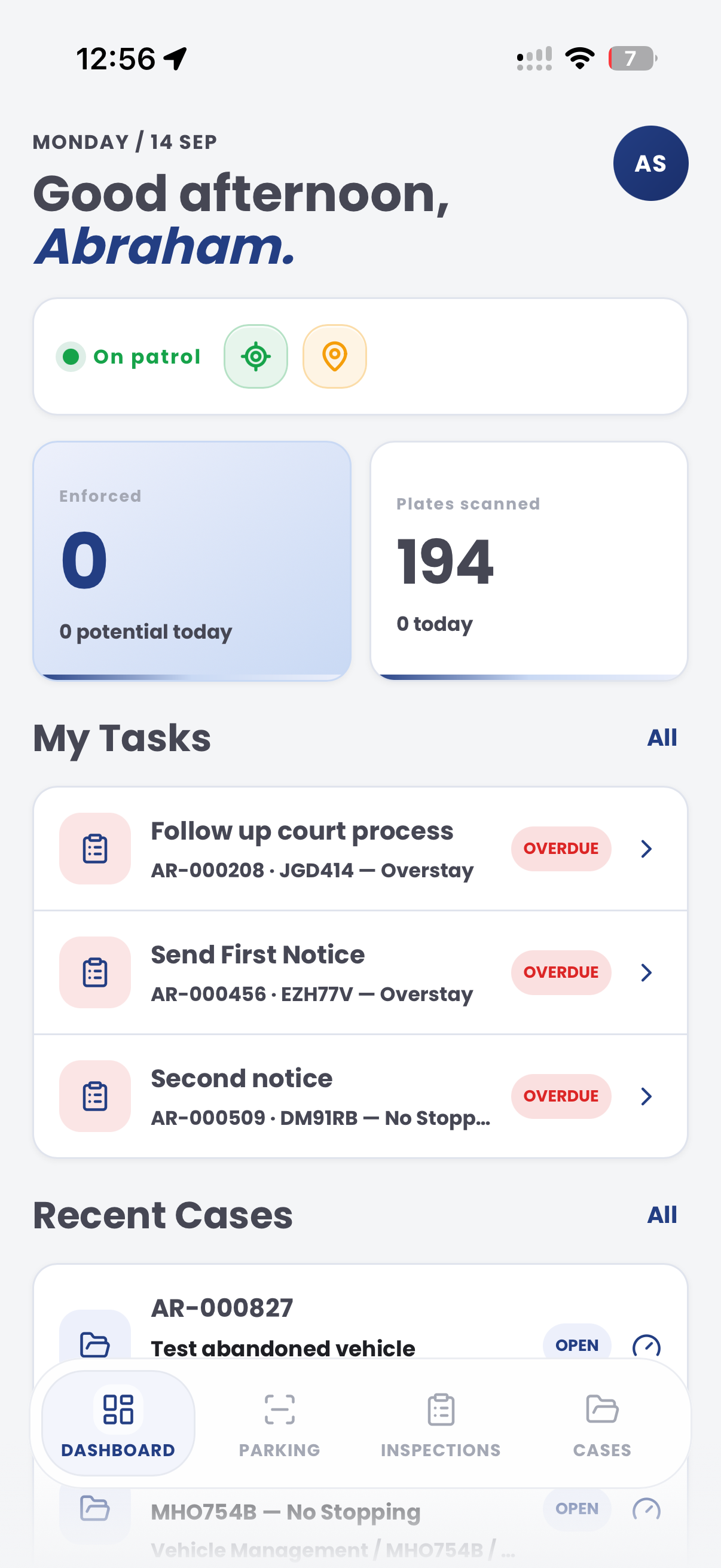
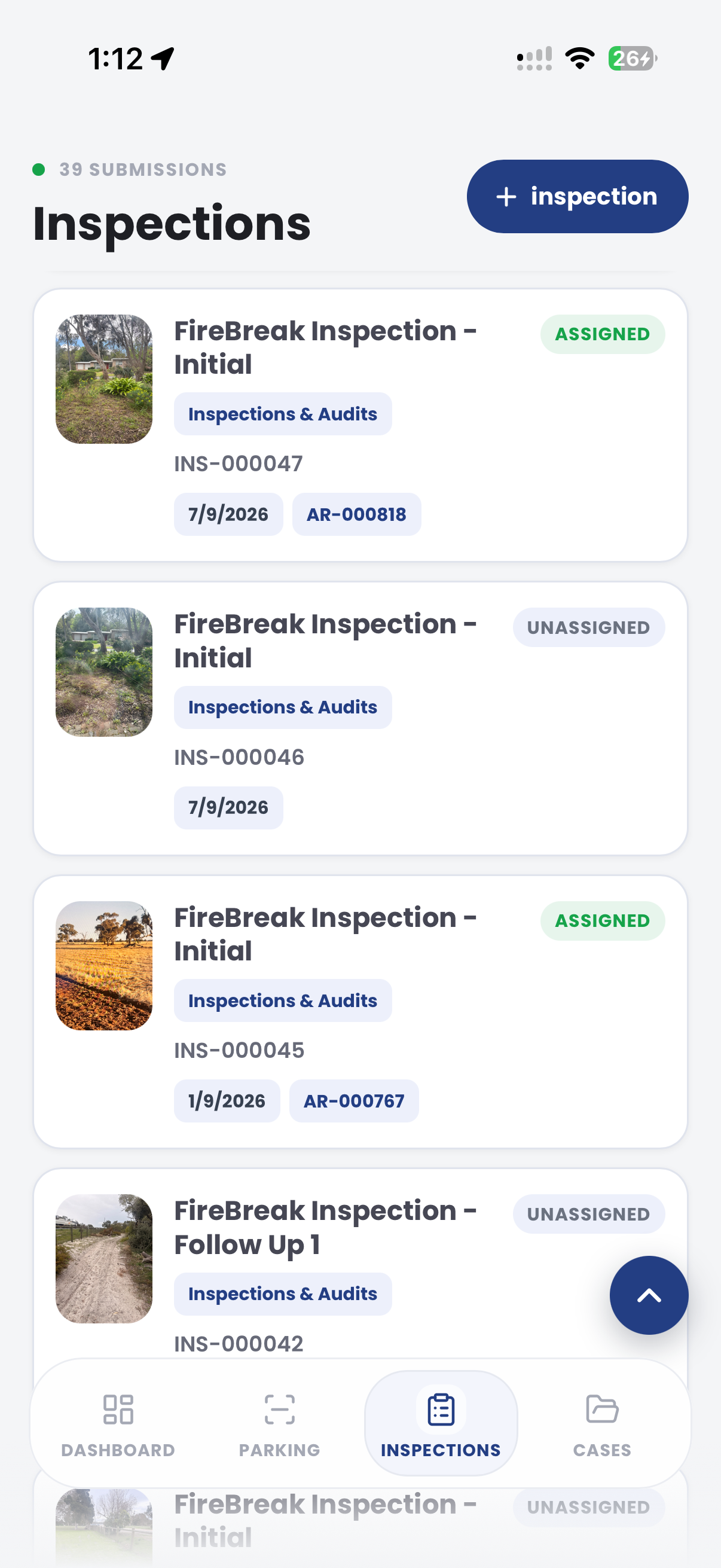
The useful question is not which feature exists. It is whether the team can see the place, rule, evidence, exception, next action and review history before making a decision.
Build prompts around the organisation's equipment groups and inspection program.
Inspection editor, required questions and reusable templates.Record observations, photos, notes and timestamps beside the asset.
PatrolLink inspections and evidence attachments.Route an observed issue to the appropriate owner and review stage.
Cases, assignments, due dates and status history.Review completed work, open follow-up and recurring observation categories.
Dashboards, filters, exports and audit records.Field teams can follow the approved template, attach contextual photos and route an item for review without rebuilding the visit later.
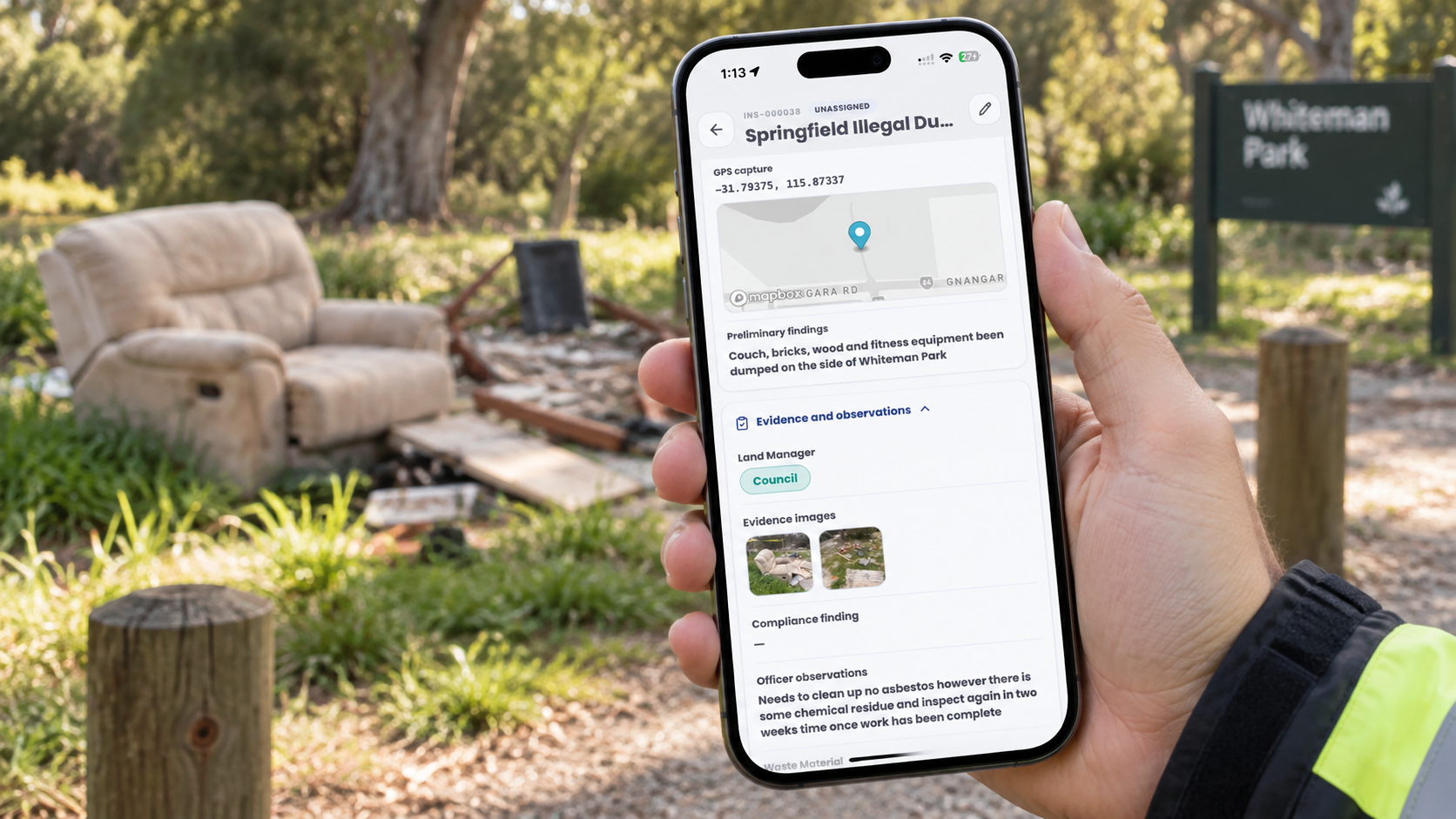
Identify the play structure, component, surface or access point being checked.
Record the prompt response, note, photo and inspection time.
Assign the next review or task when an item needs attention.
A contextual CORE view keeps the case, rule, evidence, workflow status and next action together.
Field observations and photos attached to the equipment record
Scheduled school playground check
Confirm the recorded observation and appropriate next action
Aero Ranger keeps the issue photos, place context, rule context and follow-up state together so the case can be checked later without rebuilding the record.
The issue photo stays on SCH-10001 with the case note and current case status.
Site, street, reserve, bay, kerbside or zone context stays attached so reviewers can see where the issue occurred.
The relevant signage, permit condition, local-law category or operating rule is recorded beside the issue evidence.
Later photos, reinspection notes, notice evidence and closure decisions remain in the same case trail.
In CORE, a school playground inspection can connect the site, equipment item, template responses, photos, review tasks and recorded outcome.
School area, equipment group, component, surface and inspection date.
Prompt responses, observed condition, photos, notes and timestamps.
Owner, priority, due date, action notes and final status.
Templates can be adapted to the organisation's inspection program, asset register and internal review process.
Select the site, asset group and approved inspection template.
Work through prompts and record the observed condition in the field.
Add photos and notes that give the reviewer useful context.
Create the appropriate review or follow-up task where needed.
Record the action and retain the inspection history with the asset.
Once capture, evidence and case flows are working, related compliance categories can use the same platform pattern.
Extend the same pattern to public play spaces and reserve assets.
Use structured prompts for facilities located near play areas.
Connect surrounding benches, shelters, paths and bins to the same field program.
Use these CORE guides when setting up the zones, cases, permits, evidence templates, notices and reports that support this operating model.
Bring a current checklist and asset process to map the prompts, evidence, review stages and reporting your team needs.
Technology procurement guide
Use your organisation or government email address. Your guide will be ready to open as soon as the form is submitted.

