
Challenge / Internal staff reporting

Internal staff reporting without spreadsheet stitching.

Aero Ranger helps operations leaders understand staff activity, workload, coverage, inspections, cases and outputs from the same field and back-office records teams already use.

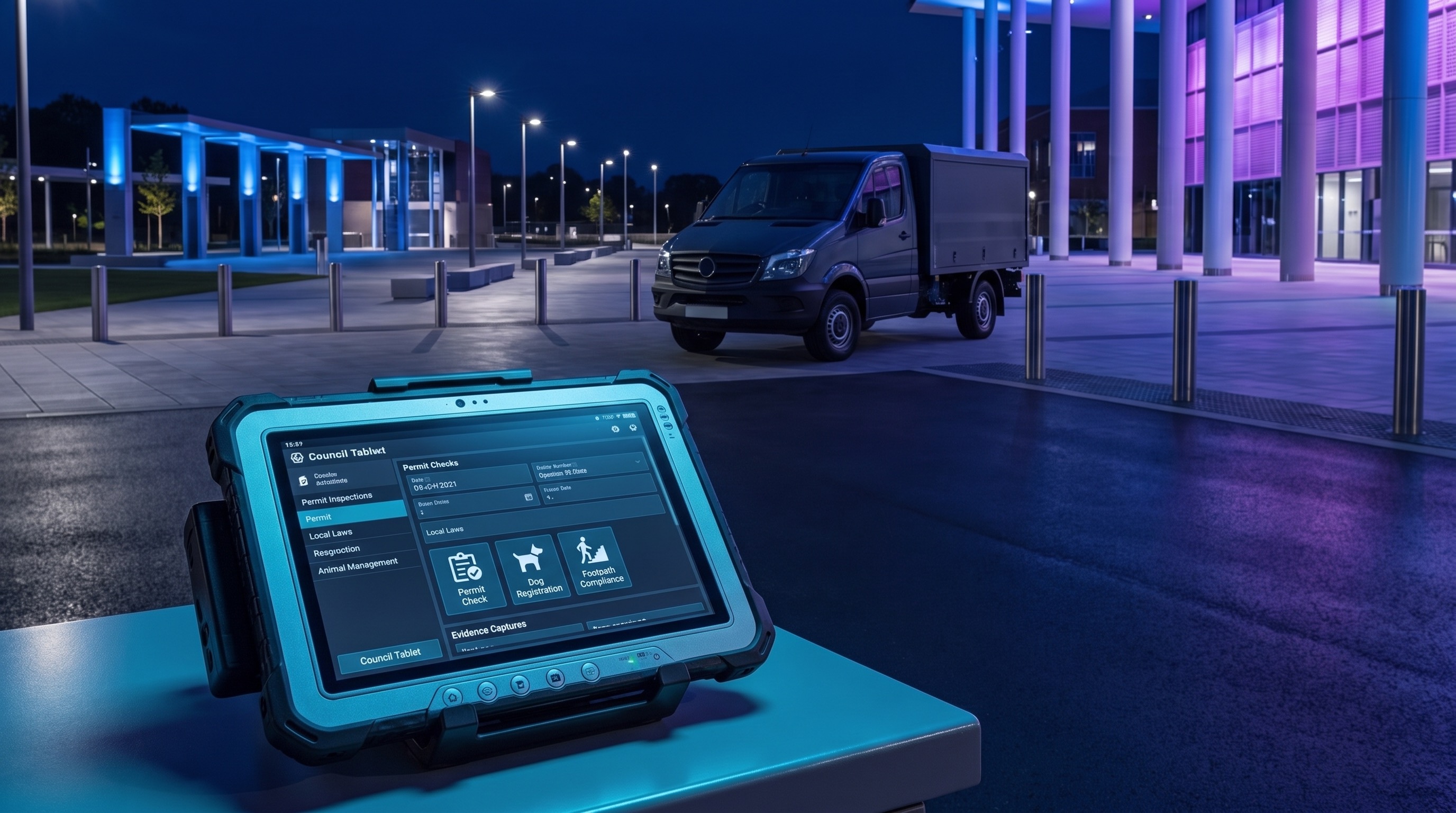
Council compliance operations room with blue and purple lighting reviewing field activity
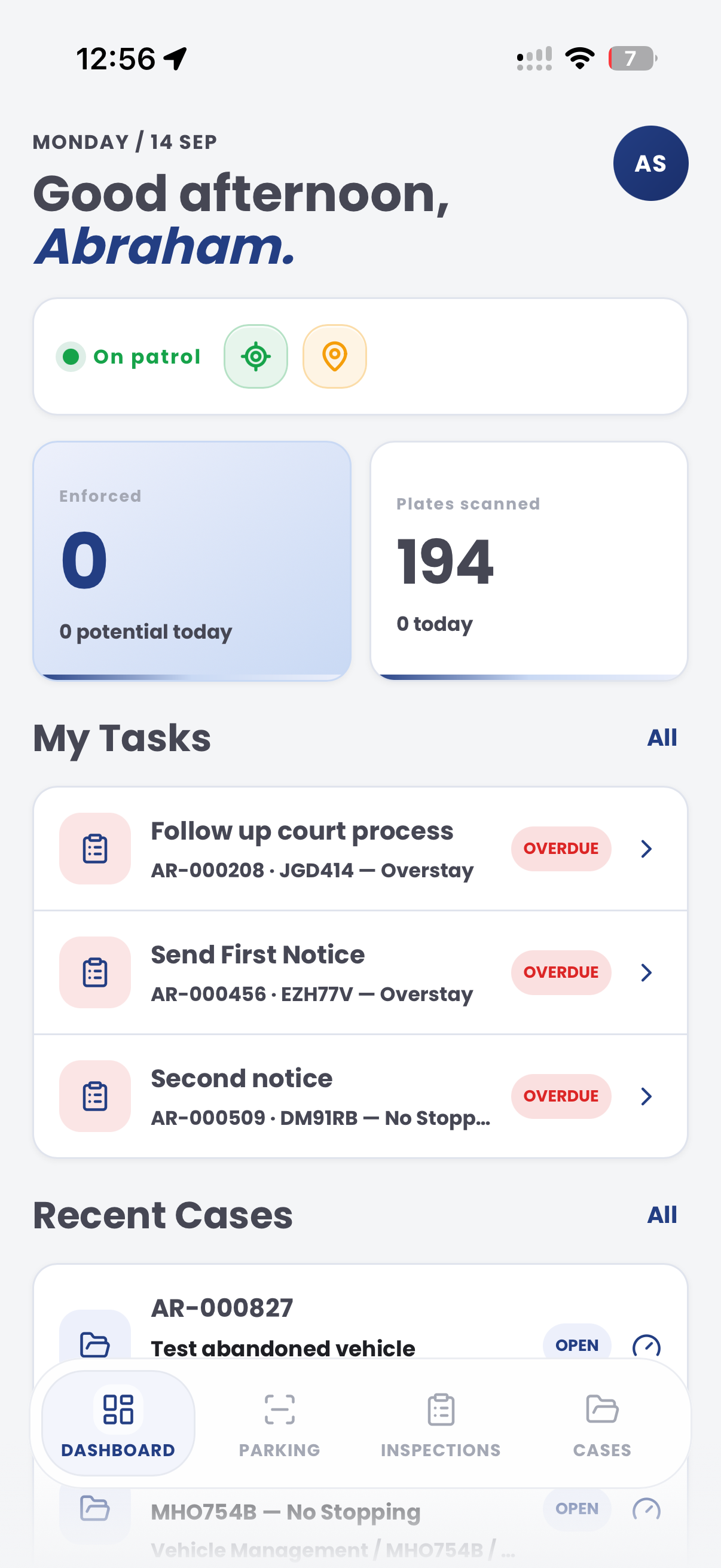
See team activity as operational evidence. Bring officer activity, inspections, cases, patrol coverage and exports into one reporting workflow.
OfficersActivity, workload and field output by team member
ZonesCoverage and activity by location or patrol area
CasesOpen work, completed work, status movement and owners
ExportsRepeatable reporting packs for managers and executives

The issue is not just knowing who was rostered. It is knowing what work actually happened.

Compliance managers often need to explain workload, coverage, inspection activity, case movement and enforcement outcomes without relying on manual notes or disconnected spreadsheets.

Activity lives in too many places

Roster records, officer notes, cases, inspections, exports and spreadsheets can all tell different versions of the same week.

Output is hard to compare

Without consistent categories, teams struggle to compare officer workload, inspection types, patrol coverage and case outcomes.

Reporting takes manual effort

Managers spend time gathering and cleaning data rather than reviewing trends, exceptions and decisions.

Leadership needs context

Raw counts are not enough. Leaders need activity, location, time, workload and outcome context in one view.

What the workflow needs to keep together.

The useful question is not which feature exists. It is whether the team can see the place, rule, evidence, exception, next action and review history before making a decision.

Officer activity dashboards

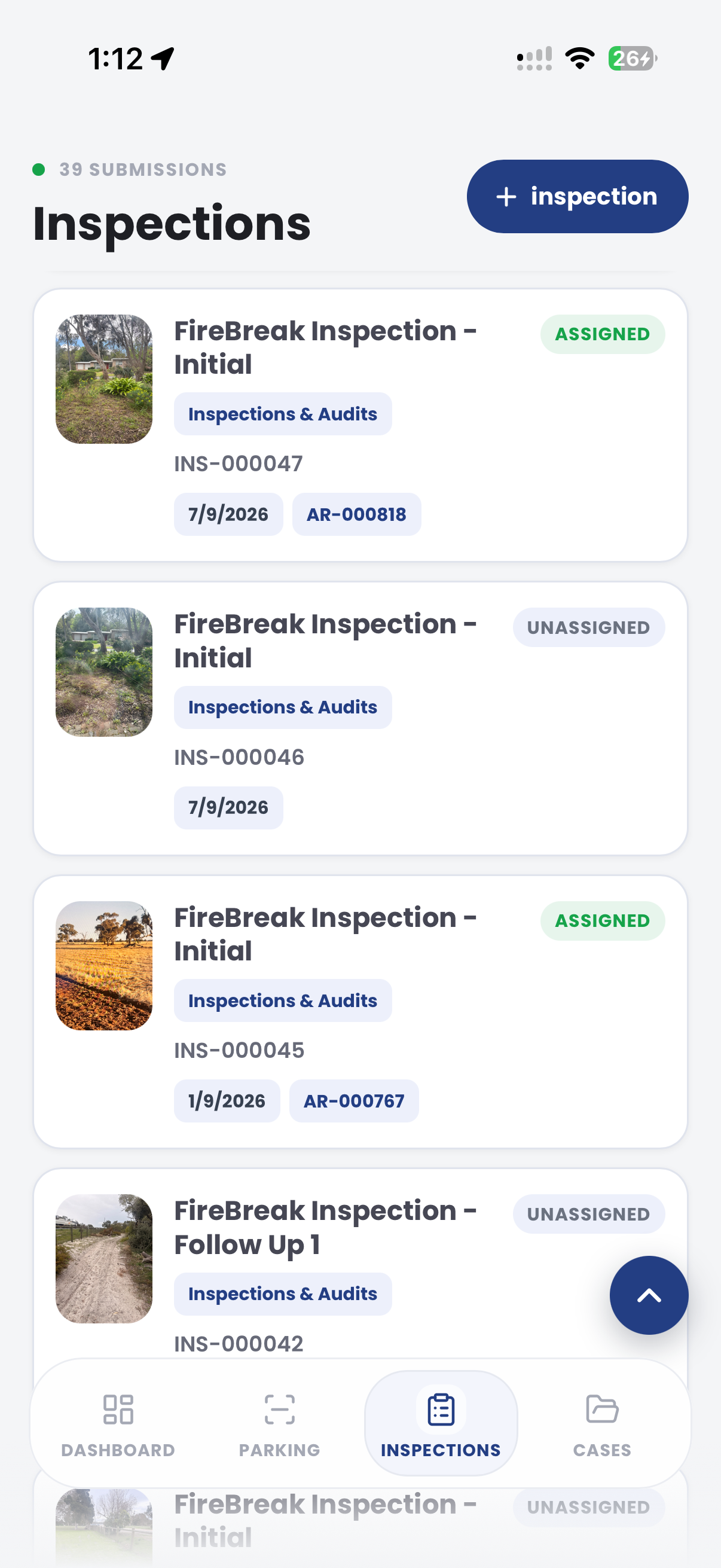
Review officer activity, active days, workload, inspections, case ownership and field outputs.

Intel officers, dashboards, case owners and activity timelines.

Case workload reporting

Show open work, status movement, overdue matters, queues, owners and closure outcomes.

Cases dashboard, case loads, statuses, sub-statuses and reports.

Survey-backed reporting

Use survey records, occupancy checks, replay and generated reports to explain field observations.

Surveys dashboard, vehicle replay and generated reports.

Zone and location context

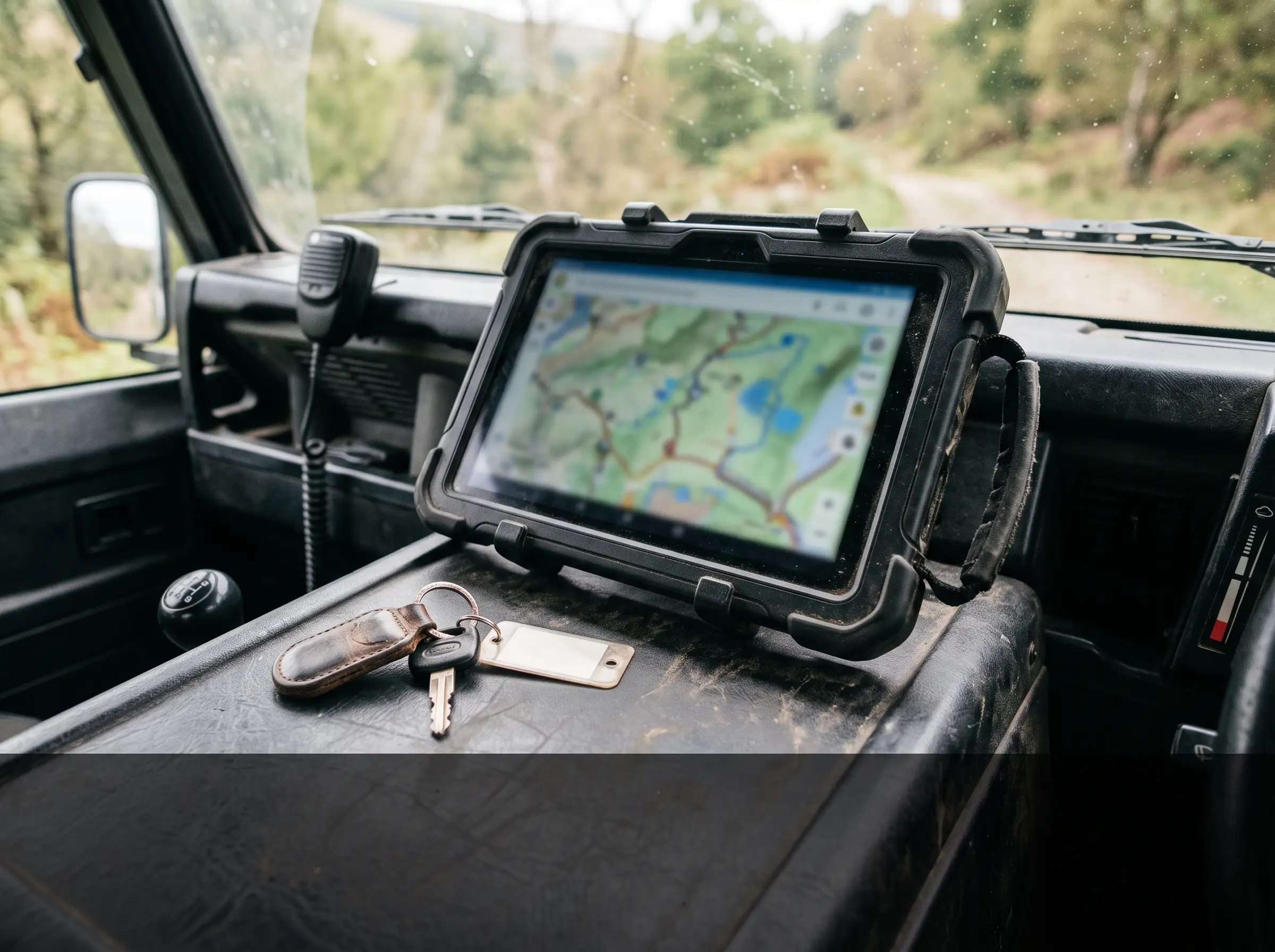
Attach activity to zones, sites and patrol areas so reporting shows where work occurred.

Zone analytics, active sites, patrol coverage and map context.

Repeatable exports

Create consistent exports for management packs, operational reviews and recurring reports.

Create exports, saved reports and CSV-ready operational data.

Governed evidence trail

Keep source records, notes, statuses and exports traceable when performance reporting is reviewed.

Audit logs, timeline events, evidence records and export history.

See the patrol activity, then see the reporting record.

Staff reporting works best when field activity, case activity and survey outputs are connected before managers need a weekly or monthly report.

Council field officer recording local laws activity in an urban street

Officer context

Track activity by officer, shift, zone, inspection type, case workload and outcome.

Workload context

Connect daily activity to cases, inspections, alerts, surveys and follow-up tasks.

Reporting context

Use repeatable dashboards and exports instead of rebuilding the same report each month.

Example CORE case screen for staff activity

A staff activity report connects roster context, patrol coverage, cases, inspections, exceptions and manager notes.

City of Utopia Cases REP-STAFF-09 Manager review
  1. Period
  2. Captured
  3. Validated
  4. Exported
  5. Reviewed
Activity sources
Scans, inspections, cases and field notes evidence image Scans, inspections, cases and field notes Week 28 · Ranger team
Staff activity case
Manager review
Example governance rule

Local Government Records Act 2001 (NSW)

Operational records retained for activity and decision review

Infringement fee No fee
Review periodWeekly
Exception notesRequired
Report statusDraft
Next actions
  • Validate activity
  • Add exception notes
  • Export report
Chain of evidence collection

Aero Ranger keeps the issue photos, place context, rule context and follow-up state together so the case can be checked later without rebuilding the record.

Scans, inspections, cases and field notes evidence image
Scans, inspections, cases and field notes · Week 28 · Ranger team
Issue photo Scans, inspections, cases and field notes

The issue photo stays on REP-STAFF-09 with the case note and current case status.

Place context Ranger team

Site, street, reserve, bay, kerbside or zone context stays attached so reviewers can see where the issue occurred.

Rule context Local Government Records Act 2001 (NSW)

The relevant signage, permit condition, local-law category or operating rule is recorded beside the issue evidence.

Follow-up state Week 28

Later photos, reinspection notes, notice evidence and closure decisions remain in the same case trail.

A typical council workflow in Aero Ranger CORE.

Staff reporting should come from operational activity, not a spreadsheet rebuilt at the end of the week. The workflow needs to connect roster context, patrol coverage, inspections, cases, notes and outcomes.

Typical council workflow

Define the reporting period

Confirm team, shift, patrol area, officer, vehicle, device, leave or outage context and the measures managers actually need.

Use source records

Bring scans, inspections, cases, warnings, notices, service requests, survey counts and field notes into one review view.

Validate and brief

Let managers add context, flag exceptions, export summaries and compare workload, coverage and outcomes over time.

Workflow path

  1. Reporting period
  2. Source activity capture
  3. Case and task review
  4. Manager validation
  5. Exception notes
  6. Export
  7. Operating review

The staff reporting record would hold:

Team member context

Officer, team, roster period, patrol area, device, vehicle, active hours and assigned work.

Activity sources

Scans, inspections, cases, warnings, notices, service requests, survey counts and field notes.

Location and workload

Zone, ward, route, hotspot, inspection type, queue status and open versus closed work.

Review notes

Manager comments, exceptions, leave or outage context, incomplete records and follow-up tasks.

Reporting

Coverage, output, workload, case movement, response times, open work and trend comparisons.

One reporting loop from field activity to management pack.

Teams can start with a simple reporting baseline, then tune measures for officers, zones, inspections, cases and outputs.

Define reporting measures

Choose the officer, zone, inspection, case and output measures the management team needs.

Capture source activity

Use field work, surveys, cases and inspections as source records rather than manual summaries.

Review workload

Compare activity, open work, closed work, overdue matters and team coverage.

Export the report

Create repeatable outputs for managers, executives or operational review meetings.

Tune the operating model

Use reporting trends to adjust patrol focus, officer support, resourcing and workflow design.

The same reporting layer supports adjacent workflows.

Once staff activity is captured consistently, the same data can support utilisation, ROI, time analysis and workload planning.

Zone utilisation

Use staff and survey activity to understand how zones are used and where coverage changes are needed.

Time analysis

Compare enforcement activity by time of day, day of week and seasonal demand.

Parking ROI calculations

Connect team effort, coverage, infringements, value and compliance outcomes.

Fleet tracking

Review field fleet coverage, vehicle activity and operational movement patterns.

See staff reporting from patrol activity through to executive summary.

Bring the reports you currently build by hand and we will map the source activity, case workload, exports and dashboard view.