Bring parking, permits, inspections, evidence and reporting into one practical council workflow.
Boundary ambiguity
A vehicle near the edge of a zone can create review issues without accurate location context.
Aero Ranger helps parking teams detect vehicles that exceed posted time limits by combining RTK location, zone profiles, repeat sightings, grace periods, evidence, offence mapping and cases.
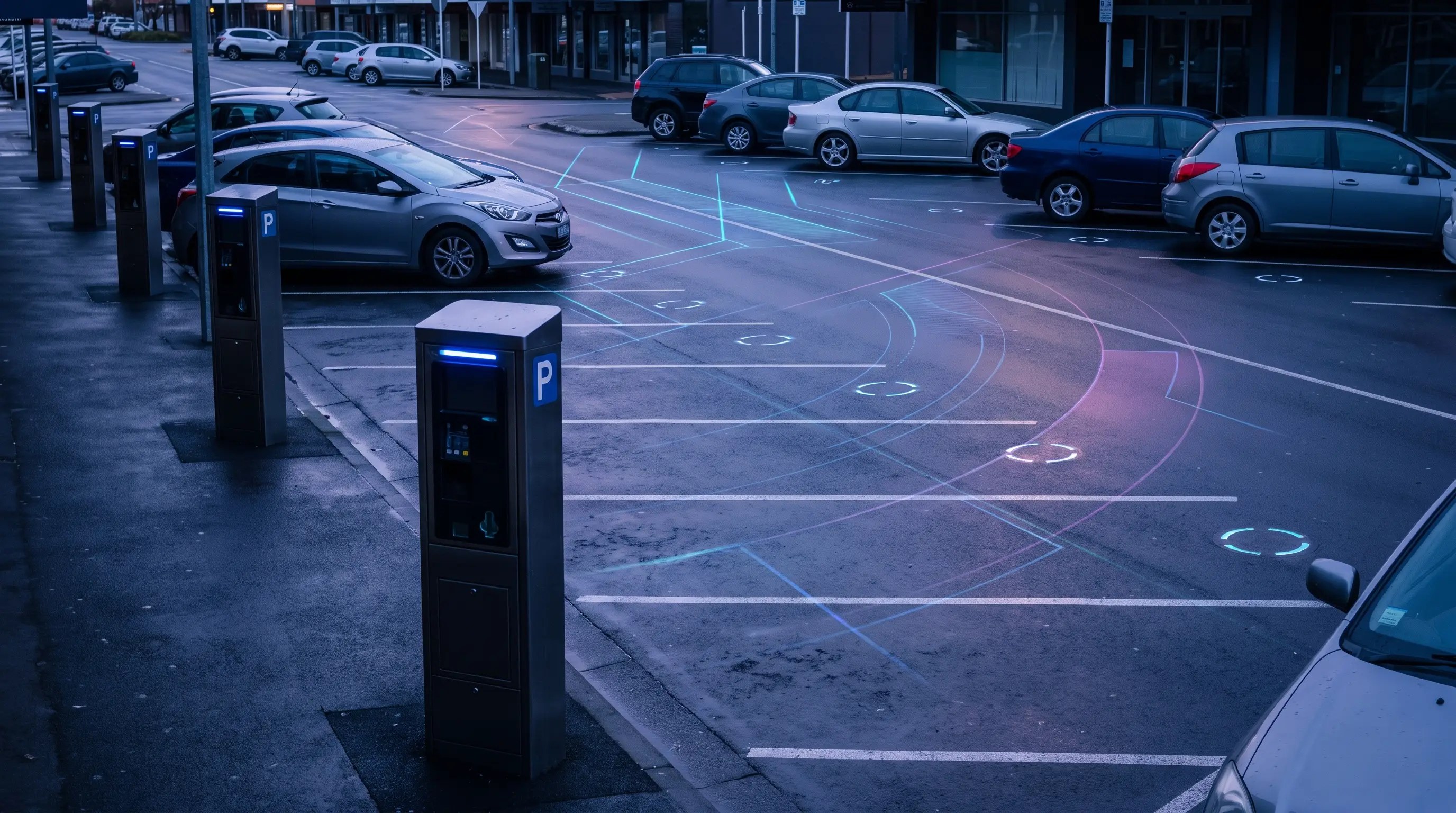
Aero Ranger helps parking teams detect vehicles that exceed posted time limits by combining RTK location, zone profiles, repeat sightings, grace periods, evidence, offence mapping and cases.
A second sighting tells you more when the zone and timing are clear.
Street boundaries. Grace periods. New stays. Evidence that needs to hold together.
AeroRanger connects time-limit review. Define the zone. Capture repeat sightings. Apply the configured profile. Review the case. Refine your patrol strategy.
Use location, timestamps and vehicle history to understand the stay. Keep images and officer observations attached to the relevant parking matter.
Back in CORE, see pressure by zone and period, with the case evidence available for review.
Keep the applicable rule, recorded decision and follow-up together, so the next reviewer has context.
Bring a timed street or car park. We'll show the workflow. AeroRanger. Book your parking demo.
Timed parking needs accurate zone context, reliable repeat sightings, configurable grace and evidence that explains the decision when a matter is reviewed.
A vehicle near the edge of a zone can create review issues without accurate location context.
Rules need practical grace settings so teams do not overload review queues.
Repeat handling needs to distinguish continuous dwell from a genuine return.
A clear before-and-after evidence trail helps officers and back-office teams make decisions.
The field app / iPhone and Android
Capture plate activity and location context during timed-area patrols. Keep field evidence available to the team reviewing dwell and repeat sightings.
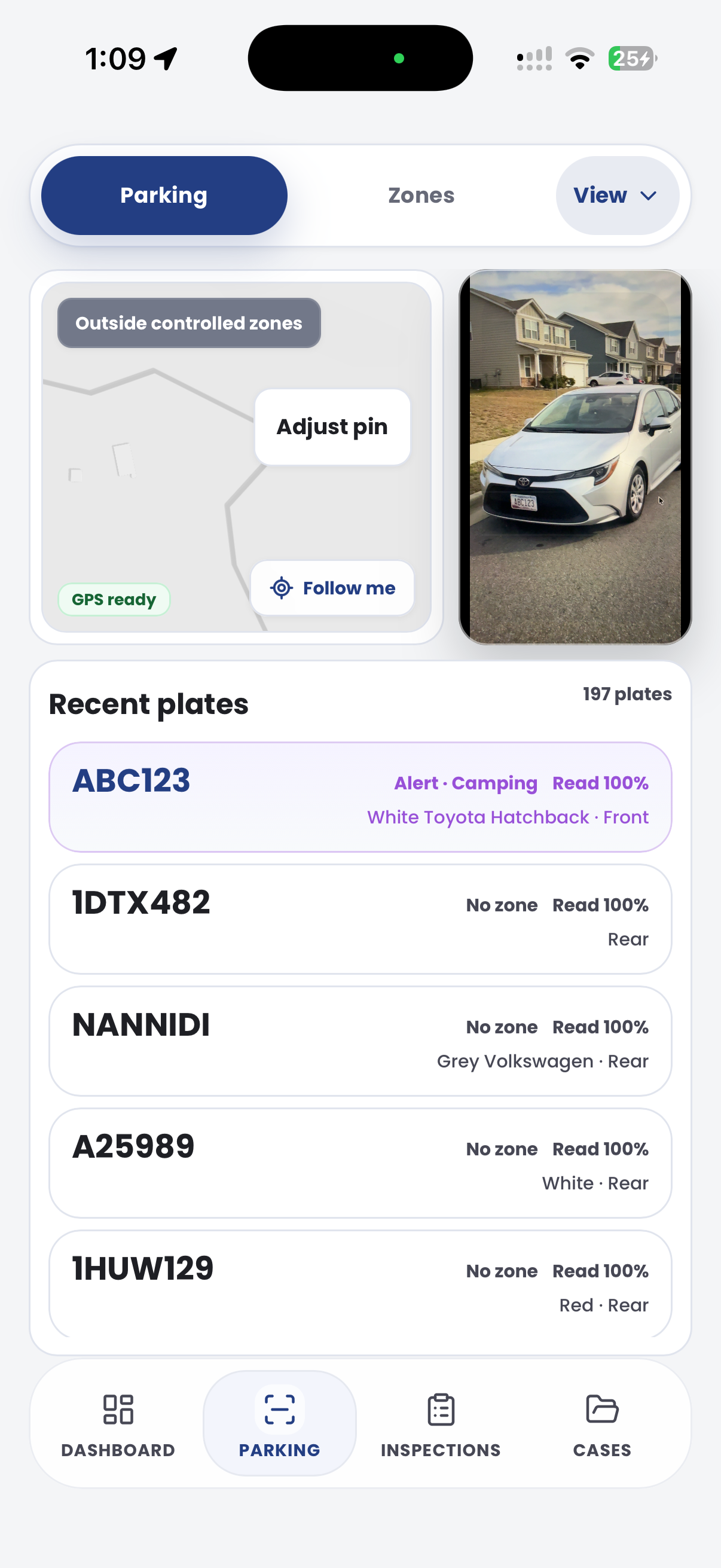
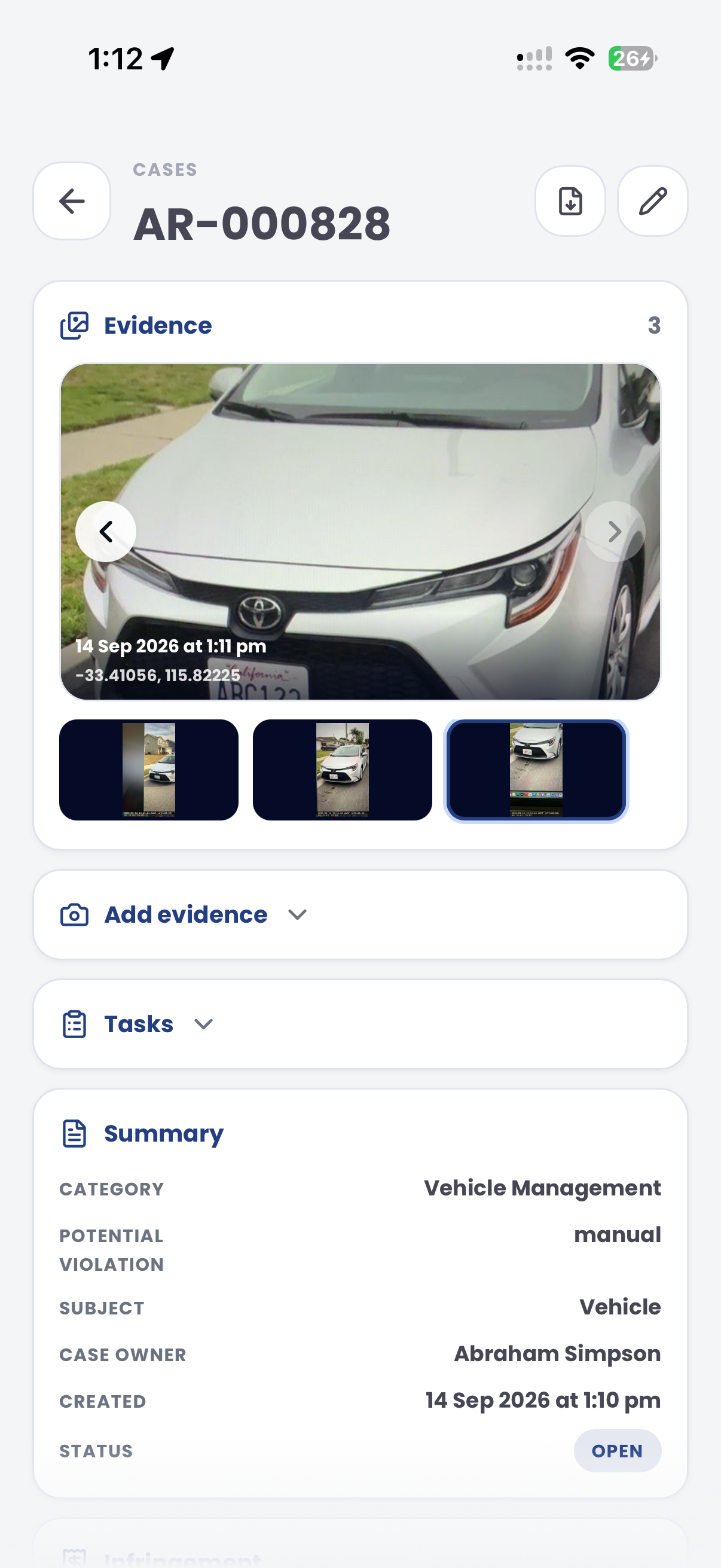
The useful question is not which feature exists. It is whether the team can see the place, rule, evidence, exception, next action and review history before making a decision.
Configure max stay, active schedules, grace, min sightings and repeat handling.
Zones, configuration zones, profiles and detection settings.Use high-accuracy location to associate plate reads with the correct street or car park zone.
Patrol reads, GPS/RTK location and zone matching.Create decisions only when vehicle history crosses the configured threshold.
Dwell logic, first/last sightings and enforcement status.Move reviewable matters into case queues with images, timing and audit trail.
Cases, inspections, case statuses and document builder.Map overstay decisions to the correct configured offence and notice outcome.
Parking offence mapping and local-law records.Report time-limit pressure by zone, vehicle, officer and period.
Intel reports, exports and vehicle replay.A time-limit decision needs the first sighting, latest sighting, zone profile, grace period, vehicle evidence and review outcome connected.
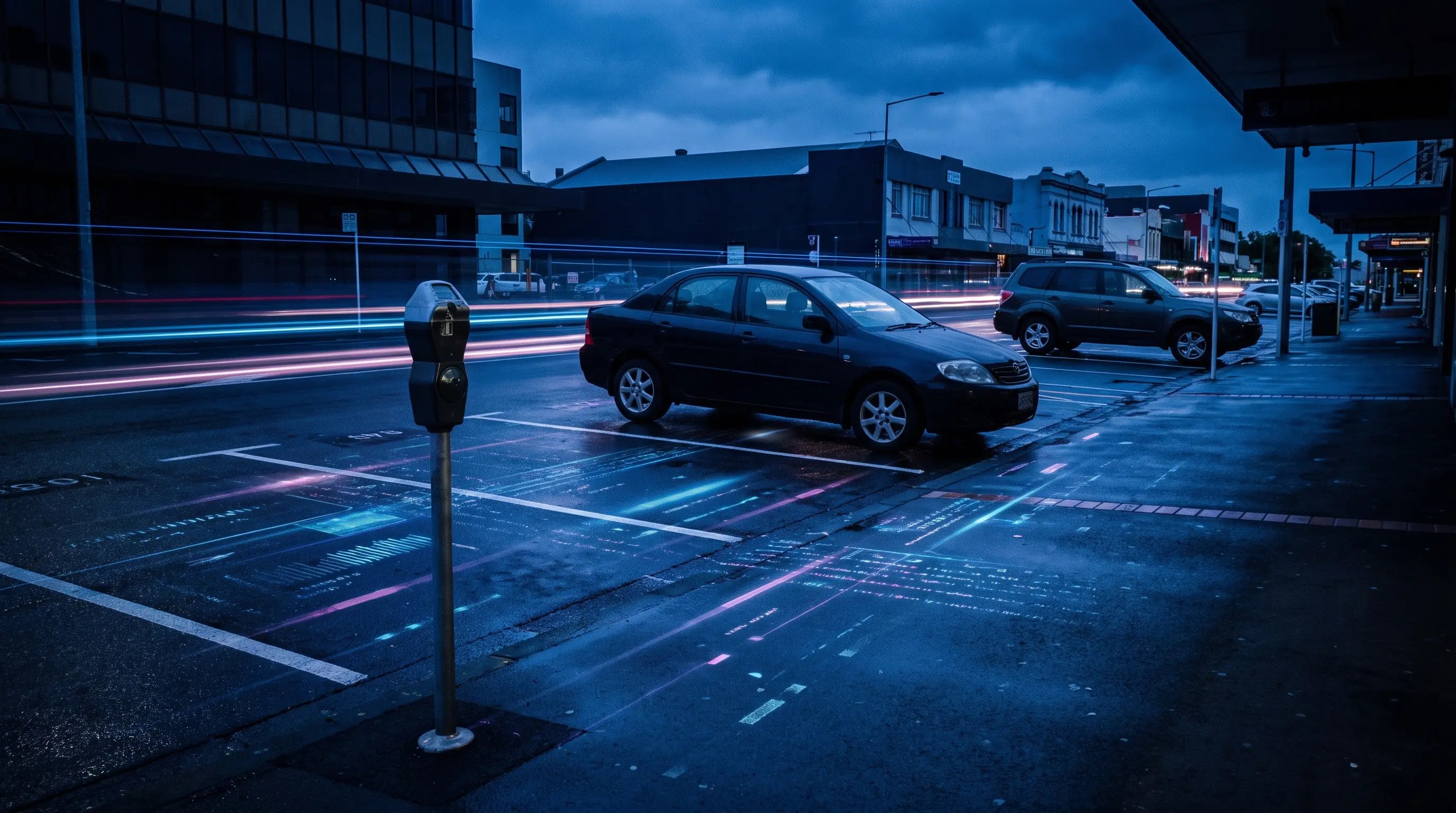
Compare first and repeat sightings against the zone max-stay and active profile.
Use accurate patrol location and zone boundaries to avoid cross-zone confusion.
Attach evidence, offence mapping, owner, status and notice state to the same matter.
A time-limit review keeps the first observation, repeat observation, sign rule and officer decision together.
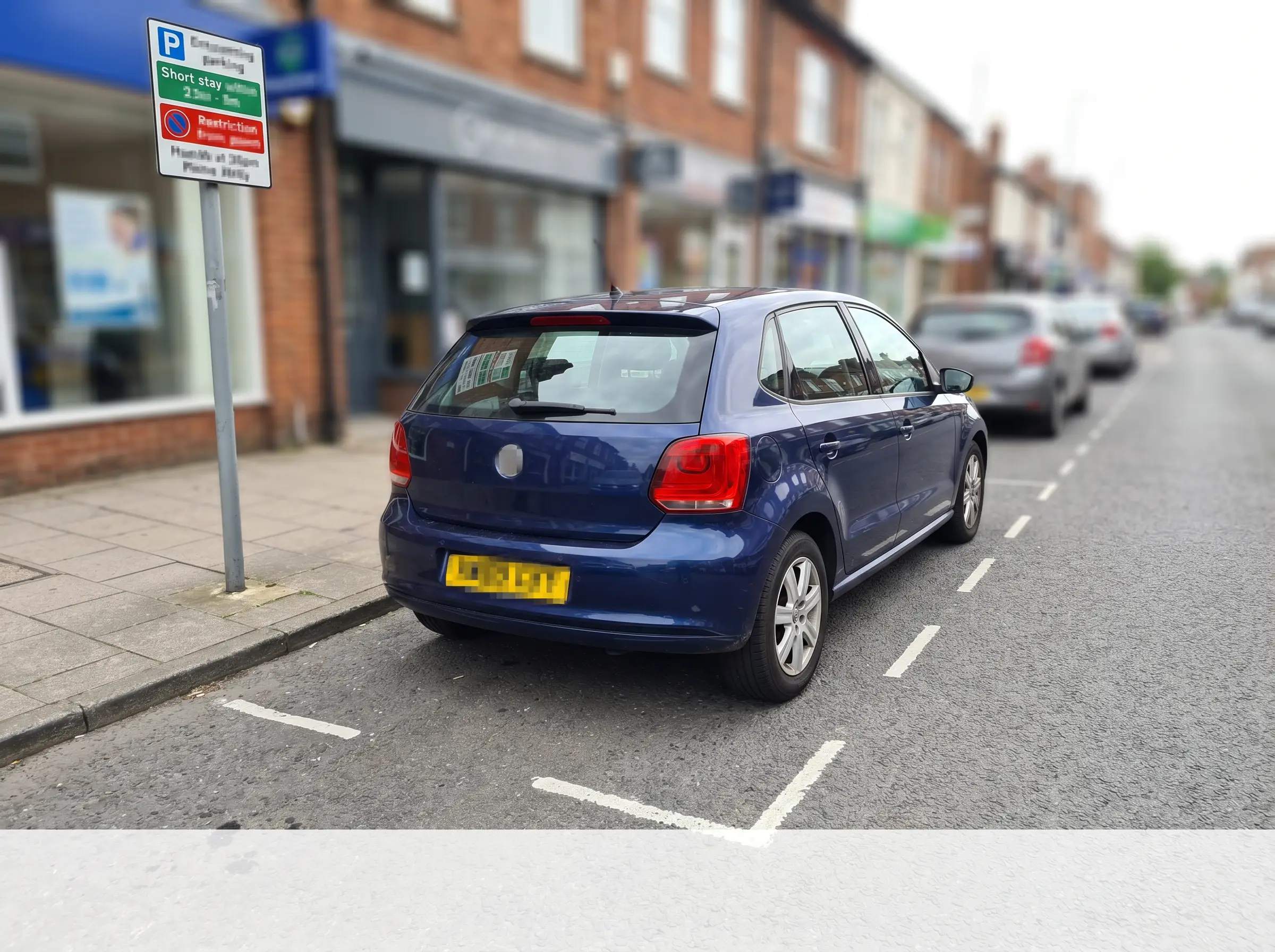
Vehicle stayed beyond the signed time limit
Aero Ranger keeps the issue photos, place context, rule context and follow-up state together so the case can be checked later without rebuilding the record.
The issue photo stays on TL-55019 with the case note and current case status.
Site, street, reserve, bay, kerbside or zone context stays attached so reviewers can see where the issue occurred.
The relevant signage, permit condition, local-law category or operating rule is recorded beside the issue evidence.
Later photos, reinspection notes, notice evidence and closure decisions remain in the same case trail.
Time-limit enforcement is a repeat-sighting process. The useful record shows the first observation, the later observation, the active sign rule and the officer decision in one place.
Confirm the time limit, active period, grace period, side of street or bay group, signage and any permit or vehicle-class exceptions.
Keep first and repeat sightings, photos, GPS points, officer notes and elapsed time attached to the same plate and zone record.
Issue, close or mark unclear evidence, then report time windows and streets where the rule is under pressure.
Rego, first seen time, second seen time, elapsed duration, patrol source, GPS point and photo evidence.
Time limit, active period, grace period, zone profile, signage notes and local rule mapping.
Permit, authorised vehicle, loading activity, disability permit, officer override or signage issue.
Who reviewed the sighting, what decision was made, what evidence was used and why the matter was issued or closed.
Overstay pressure by street, repeat vehicles, officer workload, notice outcomes and patrol timing.
Start with one timed parking profile, tune grace and repeat handling, then expand across CBD, visitor and short-stay zones.
Create profiles for 15-minute, 1P, 2P or other timed parking controls.
Collect first and later plate reads with location and evidence.
Use configured grace and repeat rules before creating a review matter.
Check evidence, exceptions, permit context and offence mapping.
Use Intel to identify pressure zones, weak coverage and repeated vehicles.
Once zones, vehicle sightings, evidence and case flows are configured, related compliance categories can use the same platform pattern.
Use the wider RTK, dwell and zone-rule workflow for overstay detection.
Review whether payment or permit context changes the parking outcome.
Apply similar timing and dwell rules to kerbside loading windows.
Use short scheduled windows where timed pressure is concentrated.
Share the short brochure with stakeholders, then use the procurement guide to frame requirements, governance, rollout and evaluation.
Bring a real 1P, 2P or short-stay street and we will walk from patrol read to overstay evidence, case review and reporting.
Technology procurement guide
Use your organisation or government email address. Your guide will be ready to open as soon as the form is submitted.

