Bring parking, permits, inspections, evidence and reporting into one practical council workflow.
GPS alone lacks context
A route line does not show what was captured, which zones were covered or what work resulted.
Aero Ranger helps teams understand where field vehicles operated, which zones they covered, what activity they captured and how fleet movement relates to compliance outcomes.
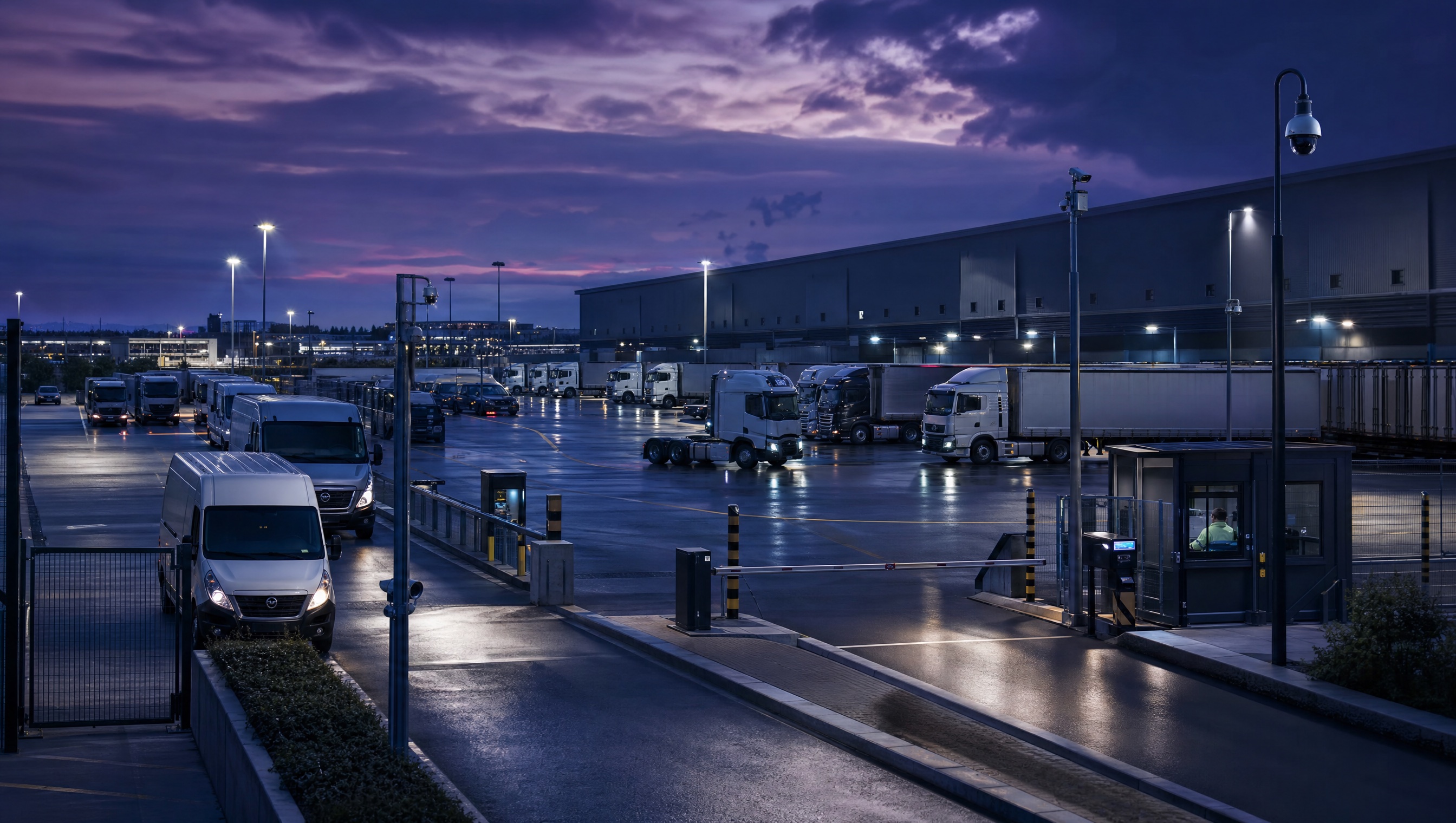
Aero Ranger helps teams understand where field vehicles operated, which zones they covered, what activity they captured and how fleet movement relates to compliance outcomes.
Knowing where a vehicle travelled is only part of the operating picture.
Coverage questions. Device readiness. Different zones. Field outputs that need to stay connected.
AeroRanger links fleet activity to the work. Connect vehicles and devices. Map operating areas. Capture outputs. Review coverage. Report the findings.
Keep scan and survey activity alongside location and operating periods. Check device status and last-seen information when reviewing the available coverage record.
Back in CORE, explore vehicle activity, zones and the observations captured during field work.
Use replay and exports to explain what happened, where it happened and what records support the review.
Bring a fleet coverage question. We'll show your team the workflow. AeroRanger. Book your fleet activity demo.
Field vehicles generate operational value through coverage, capture, inspections, surveys and response. Movement data needs to be connected to that work.
A route line does not show what was captured, which zones were covered or what work resulted.
Managers need to know whether priority areas were covered and whether devices were active at the right time.
A vehicle may be moving while a device is offline, unhealthy or not collecting the expected observations.
Fleet movement should connect to scans, surveys, inspections, alerts and cases for meaningful operational review.
The field app / iPhone and Android
Keep the officer's tasks, cases and inspections close at hand. PatrolLink complements the wider fleet view with records of the work carried out on site.
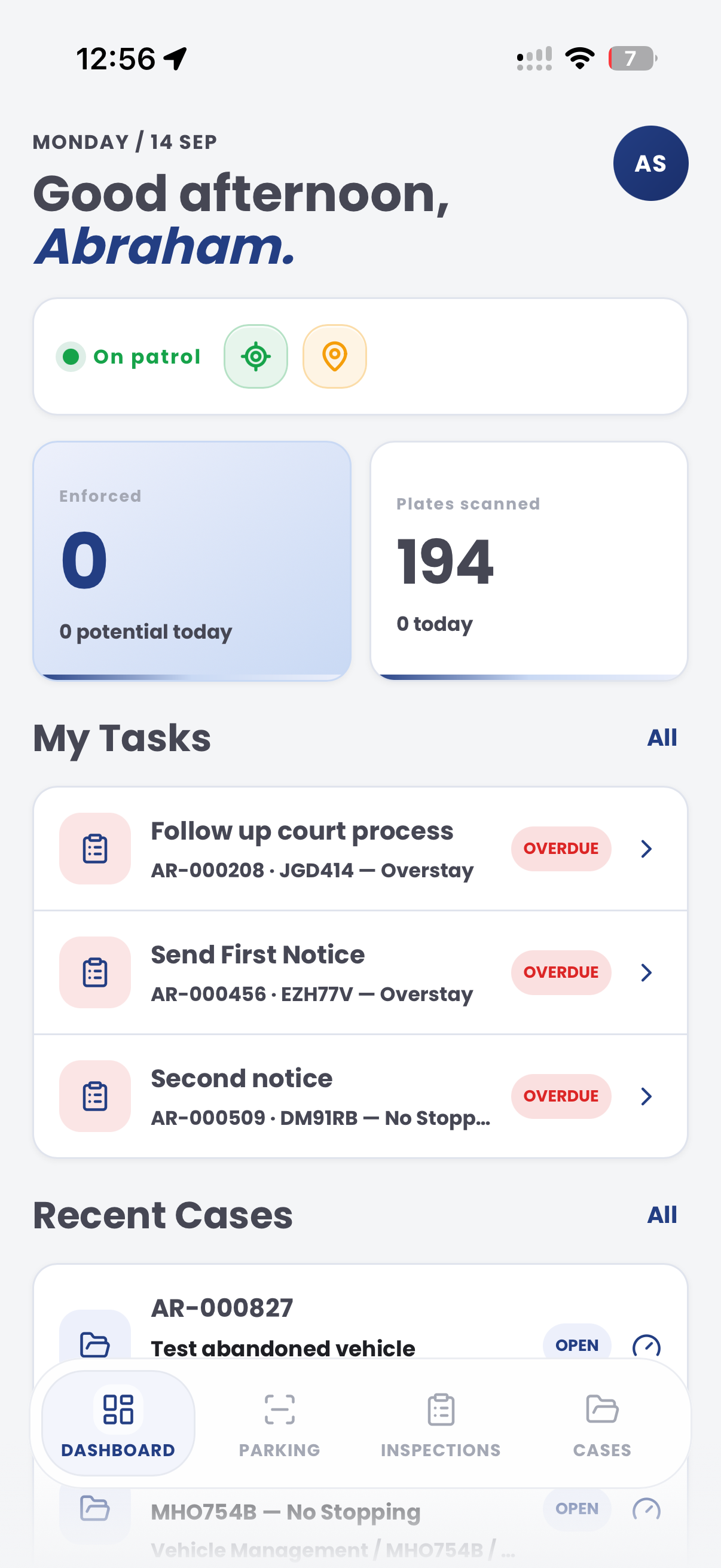
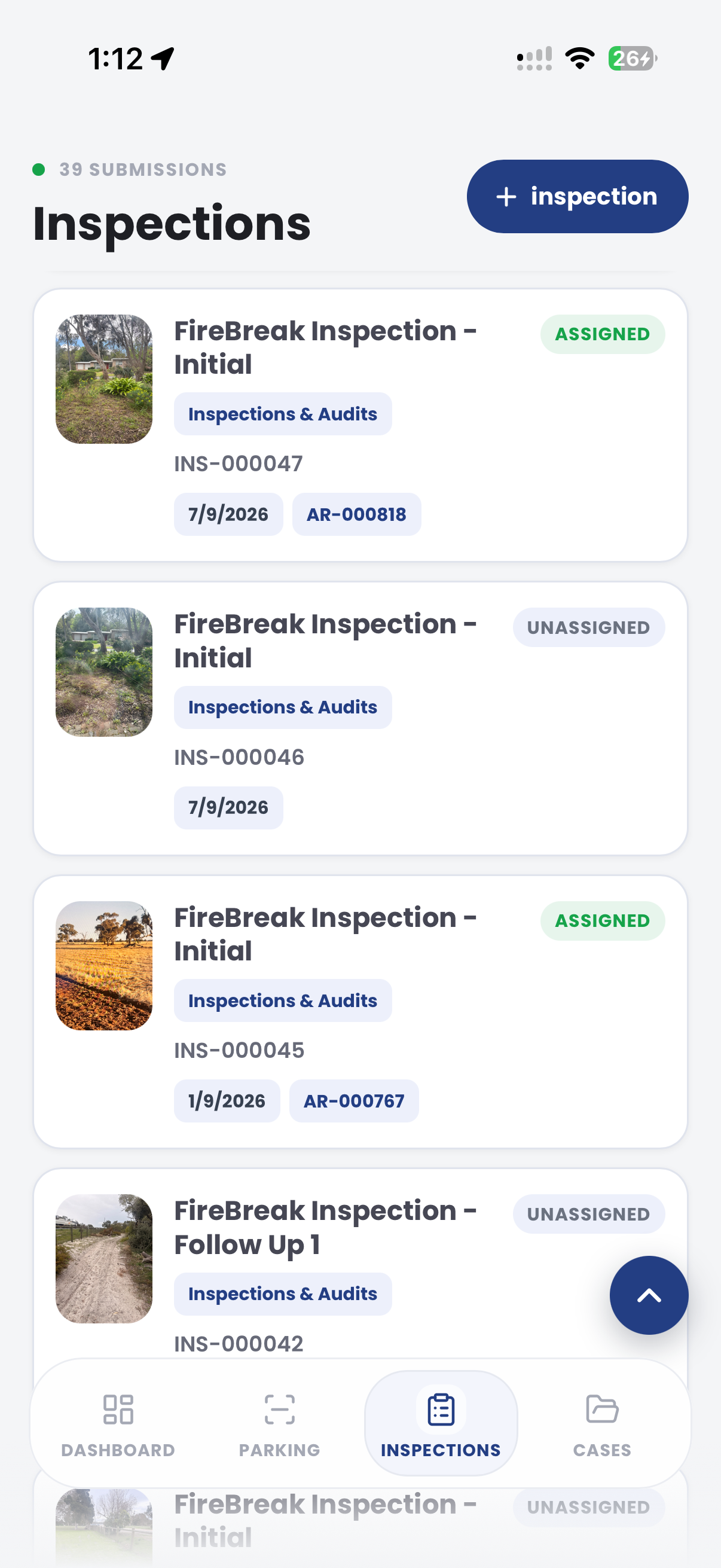
The useful question is not which feature exists. It is whether the team can see the place, rule, evidence, exception, next action and review history before making a decision.
Review field vehicles, active sites, operating periods and activity levels from Intel.
Active vehicles, active sites, active days and Intel summaries.Monitor capture devices, last-seen status and operating readiness before reviewing coverage.
Devices, health status, source information and alerts.Connect vehicle activity to configured zones and patrol areas for coverage reporting.
Zone analytics, maps, parking overview and exports.Replay observations and movement to understand where field activity occurred.
Vehicle replay, observation history, timestamps and filters.Link movement to survey collection, scans, alerts, inspections and resulting cases.
Surveys, scans, inspections, alerts and case timelines.Export fleet activity, coverage, device and output records for operational review.
Create exports, generated reports and saved reporting views.Fleet tracking becomes useful when location, time, active devices, zone coverage and captured work are connected.
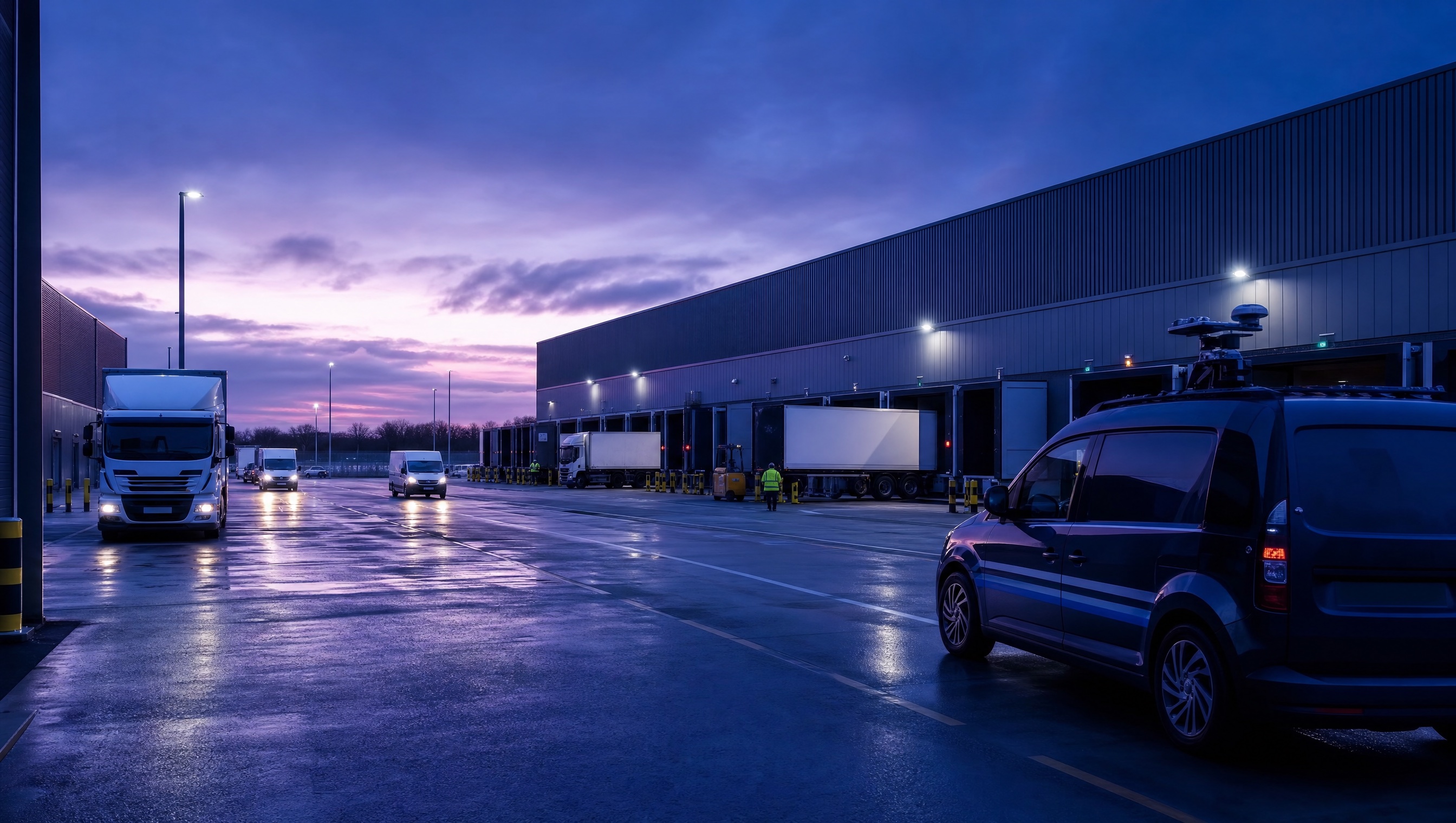
See which streets, zones and sites received patrol or survey coverage.
Check active devices, last-seen status and capture sources before trusting a coverage report.
Relate movement to scans, inspections, cases, surveys and operational results.
A fleet coverage report links vehicle movement, device health, patrol output and route exceptions.
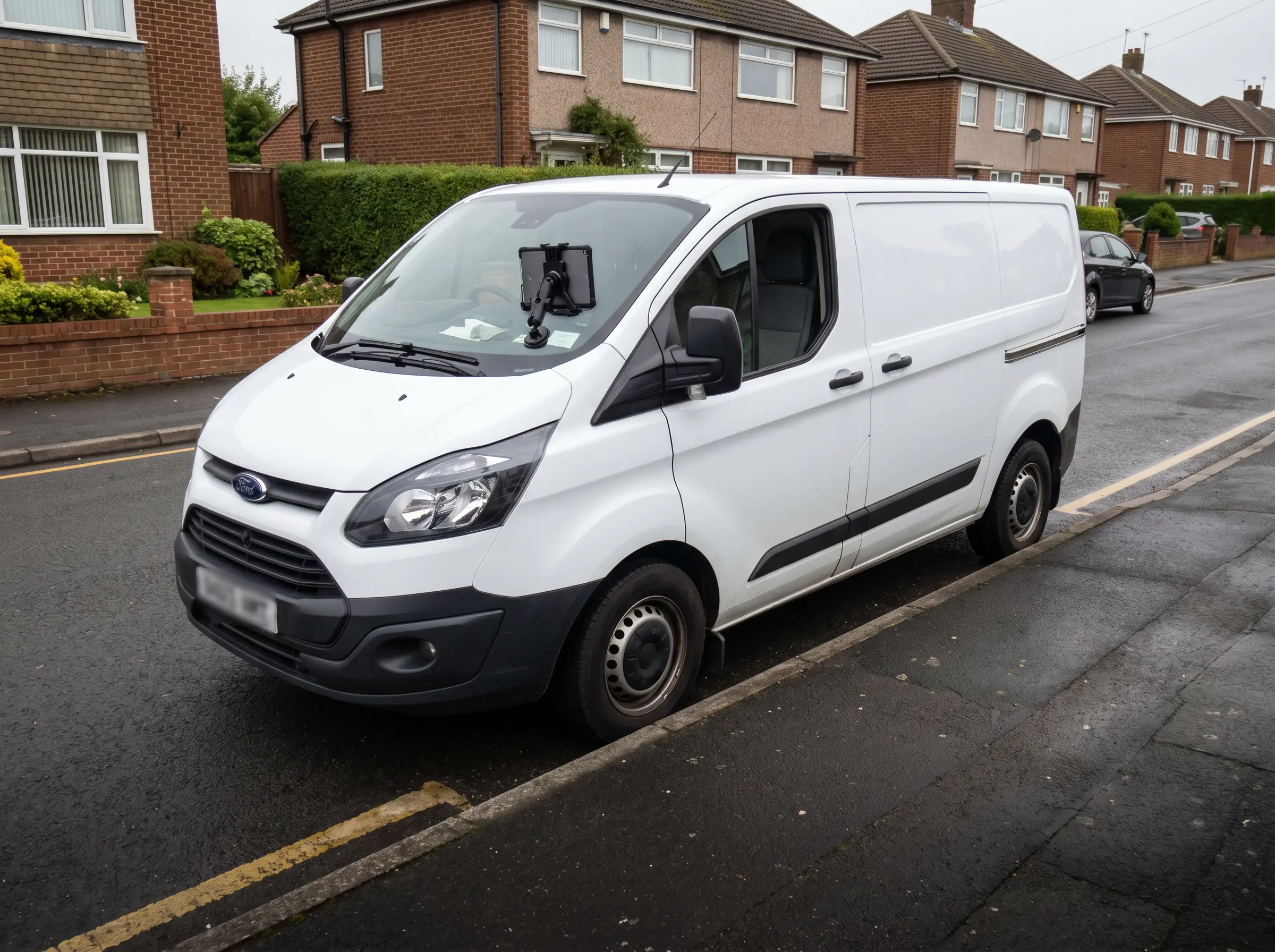
Vehicle, device and route activity retained for audit review
Aero Ranger keeps the issue photos, place context, rule context and follow-up state together so the case can be checked later without rebuilding the record.
The issue photo stays on FLEET-27 with the case note and current case status.
Site, street, reserve, bay, kerbside or zone context stays attached so reviewers can see where the issue occurred.
The relevant signage, permit condition, local-law category or operating rule is recorded beside the issue evidence.
Later photos, reinspection notes, notice evidence and closure decisions remain in the same case trail.
Fleet tracking is useful when it explains coverage and output, not just dots on a map. Council managers need to see where vehicles operated, what work was done and where gaps or exceptions occurred.
Confirm vehicle, officer, device, route, priority zones, shift time, expected coverage and any planned exceptions.
Review route history alongside scans, inspections, cases, alerts, warnings, notices and device health.
Identify missed areas, duplicated passes, outage periods, priority-zone coverage and how deployment should change next shift.
Vehicle, device, officer or team, shift, route, active time, last seen and device health.
Zones visited, streets covered, patrol gaps, repeat passes, distance, time on route and priority areas.
Scans, alerts, inspections, cases opened, warnings, notices and survey records connected to the route.
Device outage, GPS gap, unexpected route, missed priority zone, manual note or operational reason.
Coverage by zone, output by shift, vehicle use, device health, route efficiency and manager review notes.
Start with field vehicles and devices, then connect routes to zones, observations, officer activity and reporting.
Confirm active vehicles, device health, capture sources and operating settings.
Link movement to configured zones, sites and patrol areas.
Record scans, survey observations, alerts, inspections and case activity.
Compare route activity, active periods, zone coverage and outputs.
Export fleet coverage reports and adjust patrol plans or device management.
Once vehicle movement and coverage are structured, the same data supports zone utilisation, staff reporting and time analysis.
Compare vehicle movement with officer activity, workload and output.
Use coverage and survey data to understand zone use and service levels.
Review movement and enforcement output by time of day and day of week.
Connect fleet effort and operating cost to enforcement outcomes and value.
Share the short brochure with stakeholders, then use the procurement guide to frame requirements, governance, rollout and evaluation.
Bring a patrol route or fleet reporting question and we will map vehicles, devices, coverage, outputs and exportable reports.
Technology procurement guide
Use your organisation or government email address. Your guide will be ready to open as soon as the form is submitted.

