Bring parking, permits, inspections, evidence and reporting into one practical council workflow.
Provider timing gaps
Session feeds can arrive from multiple providers with different sync timing, external references and validity windows.
Aero Ranger helps parking teams detect vehicles parked in paid zones without a valid app-provider or meter session by matching ANPR reads to imported session windows, zone scope, permit exceptions, evidence and case workflows.
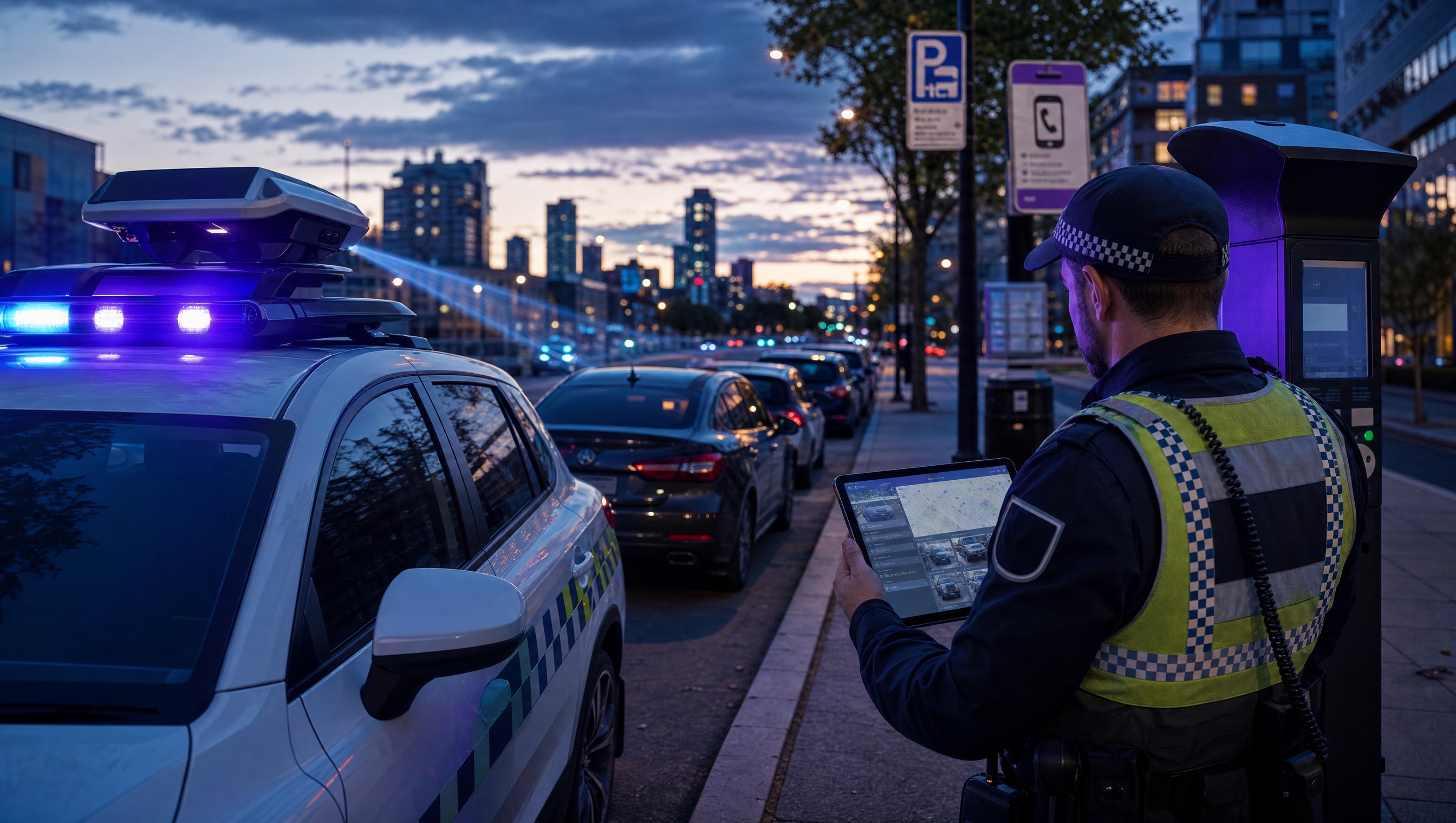
Aero Ranger helps parking teams detect vehicles parked in paid zones without a valid app-provider or meter session by matching ANPR reads to imported session windows, zone scope, permit exceptions, evidence and case workflows.
A plate sighting is only part of the paid parking picture.
Provider delays. Zone mismatches. Permit exceptions. Evidence that needs a closer look.
AeroRanger connects the workflow. Bring in parking sessions. Map paid zones. Capture sightings. Check the time window. Review exceptions before action.
Keep the plate, images, location and timestamp with provider context and officer notes. Check sync status when the session data needs clarification.
Back in CORE, review potential no-session matters with the relevant payment and permit information together.
Keep decisions, notices and follow-up attached to the same case, ready for later review.
Bring a paid parking scenario. We'll show your team the workflow. AeroRanger. Book your parking demo.
Paid parking teams often receive session data from app providers, meters and similar systems. The enforcement workflow needs to know whether a plate had an active paid session, whether that session covered the right zone, and whether a permit or exemption should suppress the decision.
Session feeds can arrive from multiple providers with different sync timing, external references and validity windows.
A paid session is only useful if it covers the same zone or meter area where the vehicle was detected.
Some vehicles should clear no-payment decisions because a valid permit or exemption applies instead of a short paid session.
A no-session matter needs more than a plate read: it needs the zone, time, provider check, sync status, images and offence mapping.
The field app / iPhone and Android
Capture the vehicle and the site while on patrol. The field record supports the wider review of parking sessions, exemptions and potential matters in CORE.
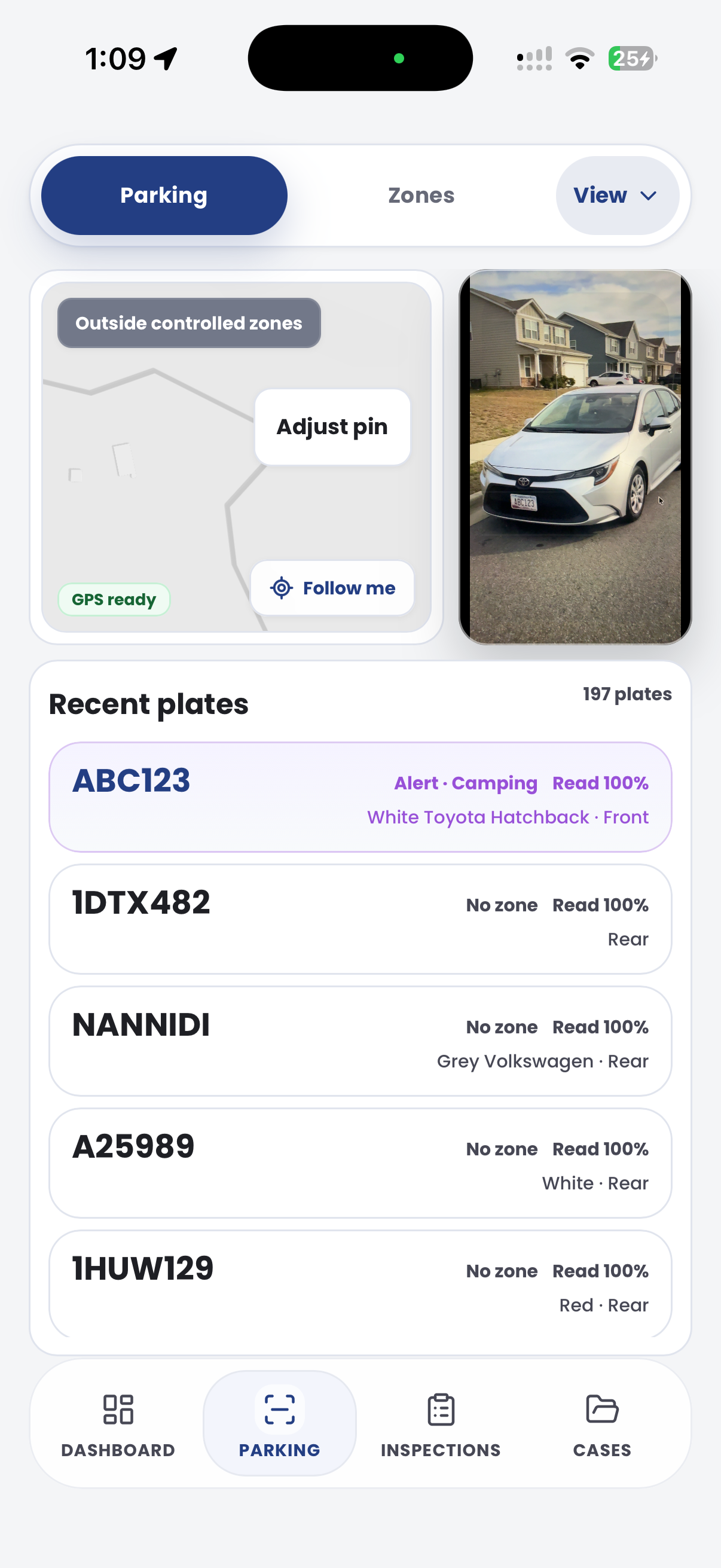
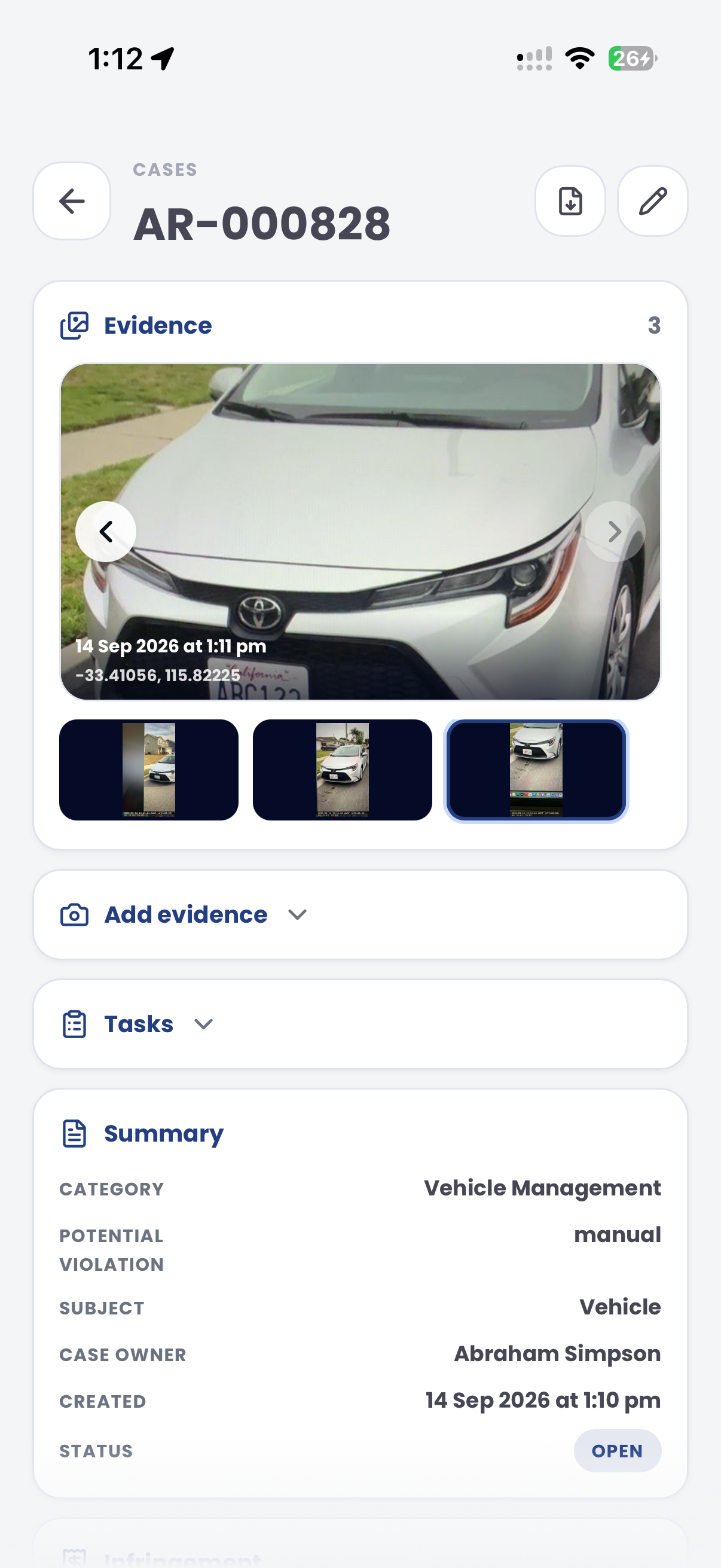
The useful question is not which feature exists. It is whether the team can see the place, rule, evidence, exception, next action and review history before making a decision.
Bring in short-term paid parking entitlements from app providers, meters and similar third-party systems.
Parking Sessions, integrations, provider external references, valid-from and valid-to windows.Use paid-parking zone configuration and provider zone scope so detections are evaluated only where payment is required.
Zones, paid parking flags, external IDs, zone scope, schedules and active profiles.Compare ANPR reads against active paid sessions and valid permits before surfacing a no-session or no-payment workflow.
ANPR reads, permit categories, session validity, provider windows and decision outcomes.Review provider sync status, schedule, record counts, duration and errors before relying on session data.
Configuration Integrations, sync history, status, records, schedule and errors.Attach plate reads, images, GPS, timestamps, provider context, officer notes and review status to a case.
Cases, inspections, evidence packages, audit history and status queues.Map no-payment or no-permit decisions to the correct local law, enforcement outcome and integration export path.
Parking Offence Mapping, Local Laws, Document Builder and enforcement exports.A no-session decision needs field context and provider context: the plate, zone, read time, provider validity window, external reference, permit exception and evidence record.
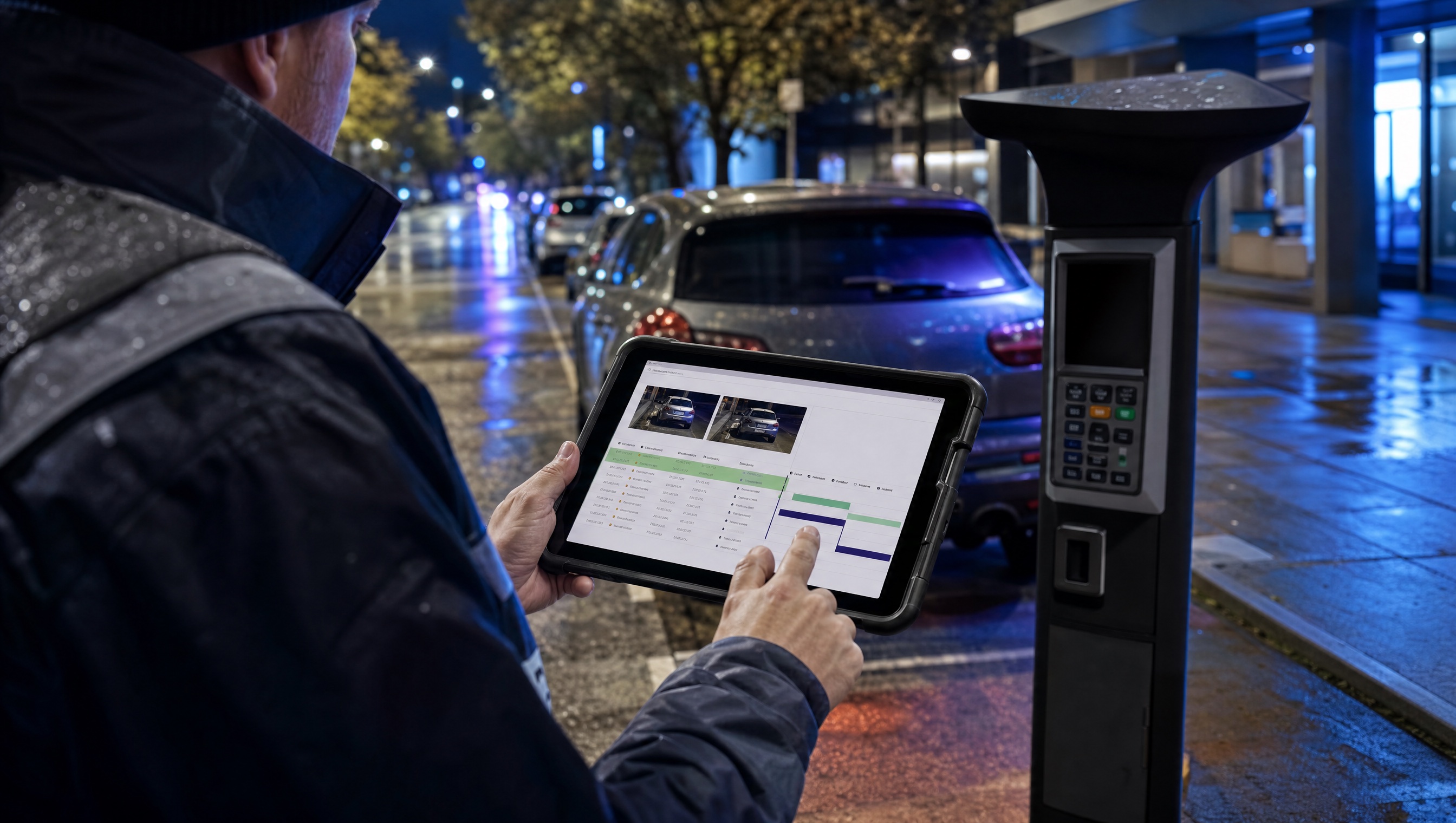
Import app-provider and meter sessions with plate, zone scope, validity window, integration and external reference.
Only evaluate no-session decisions where paid parking is active and the vehicle read belongs to the right zone.
Hold evidence, sync history, permit exceptions, offence mapping and case actions together for review.
A no-payment review keeps the ANPR read, paid-zone rule, provider lookup and permit exception result together.
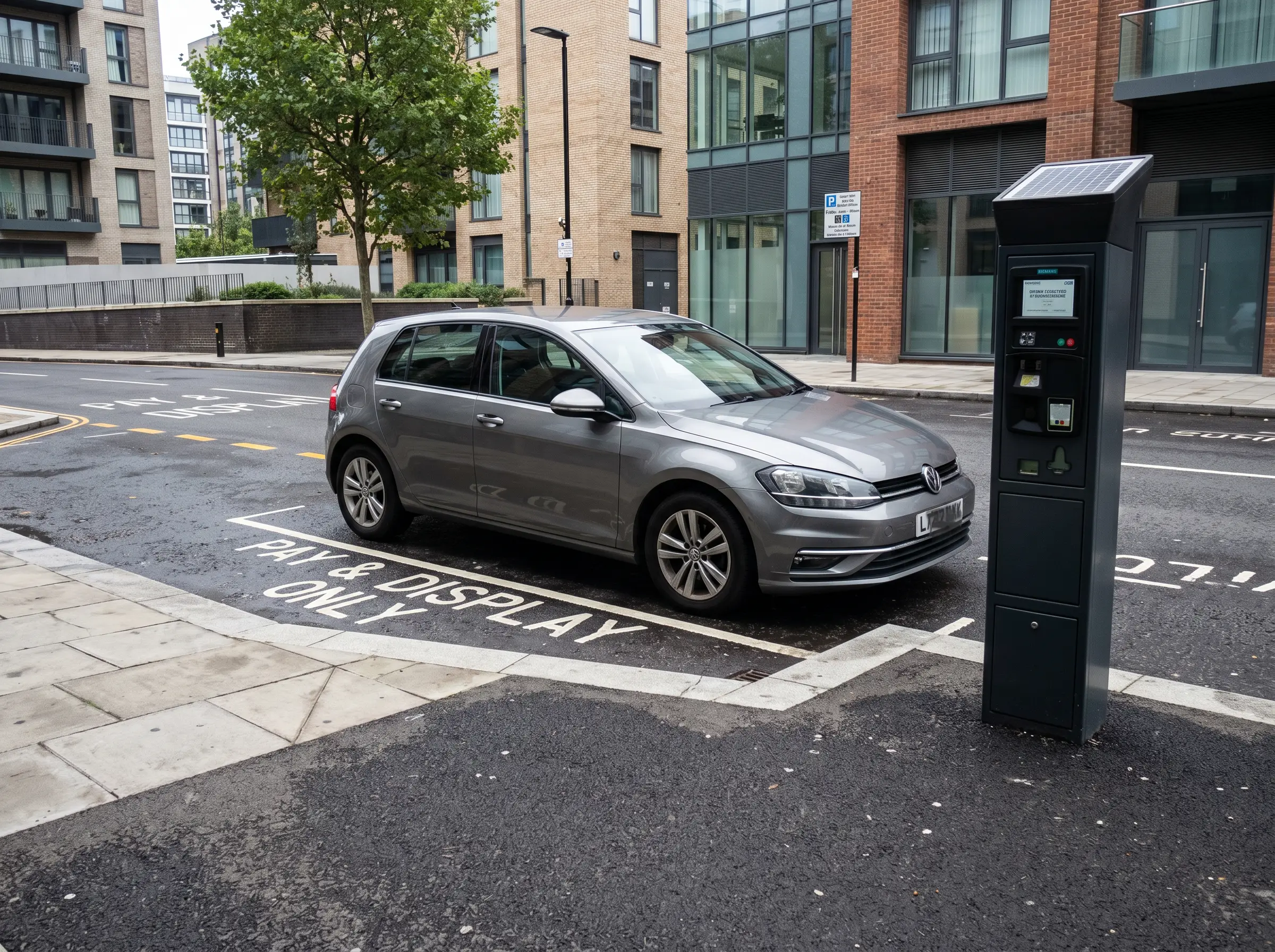
No active paid session or valid exemption during tariff hours
Aero Ranger keeps the issue photos, place context, rule context and follow-up state together so the case can be checked later without rebuilding the record.
The issue photo stays on PAY-88310 with the case note and current case status.
Site, street, reserve, bay, kerbside or zone context stays attached so reviewers can see where the issue occurred.
The relevant signage, permit condition, local-law category or operating rule is recorded beside the issue evidence.
Later photos, reinspection notes, notice evidence and closure decisions remain in the same case trail.
No-active-session work is a reconciliation problem. The patrol read has to be compared with app, meter, permit and grace-period data before council can be confident the vehicle had no valid session.
Confirm the zone, tariff window, bay or street segment and whether the vehicle was captured during an active paid-parking period.
Compare app and meter sessions, permits, free periods, grace periods, provider sync status and any outage or manual exception notes.
Issue, close, hold for provider review or report a data-sync issue, while keeping the evidence and lookup result together.
Rego, paid parking zone, bay or street segment, observation time, patrol source and active tariff window.
App provider session, meter session, payment window, expiry, provider reference and sync status.
Valid permit, free period, grace period, special vehicle, provider outage or manual officer override.
Plate read, photo, location, timestamp, session lookup result and notes explaining why the matter was issued or closed.
Review, issue, close, flag provider sync issue, export notice data and report no-payment patterns by zone.
Teams can pilot a meter zone or app-provider integration, validate session sync quality and then expand across paid streets, off-street car parks and visitor precincts.
Import sessions from app providers, meters or similar systems and monitor sync status.
Set paid-parking zone scope, external IDs, schedules and active profiles.
Record plate, time, location, zone and vehicle evidence during normal patrols or fixed-camera capture.
Compare the read against active session windows, provider references, permits and exemptions.
Map the decision to the right offence, attach evidence and generate notices or exports from the case.
Once zone scope, provider sessions and evidence workflows are reliable, the same platform pattern supports overstay, permit exceptions and repeat payment issues.
Use zone rules and dwell logic when a vehicle has stayed beyond the paid or timed limit.
Use permit categories and active hours when access is authorised by a permit instead of a session.
Use longer dwell and case workflows for vehicles that remain in place beyond normal parking behaviour.
Track hotspot zones, provider sync quality, repeat vehicles and enforcement outcomes.
Share the short brochure with stakeholders, then use the procurement guide to frame requirements, governance, rollout and evaluation.
Bring a real paid parking zone and we will walk from ANPR read to session match, provider sync check, evidence capture, case review and notice generation.
Technology procurement guide
Use your organisation or government email address. Your guide will be ready to open as soon as the form is submitted.

