Bring parking, permits, inspections, evidence and reporting into one practical council workflow.
Wrong zone
A vehicle may hold a valid permit, but not for the zone where it was detected.
Aero Ranger helps teams detect vehicles using permit zones without the right authorisation by matching plate reads to permit categories, active hours, zone scope, exemptions, evidence and cases.
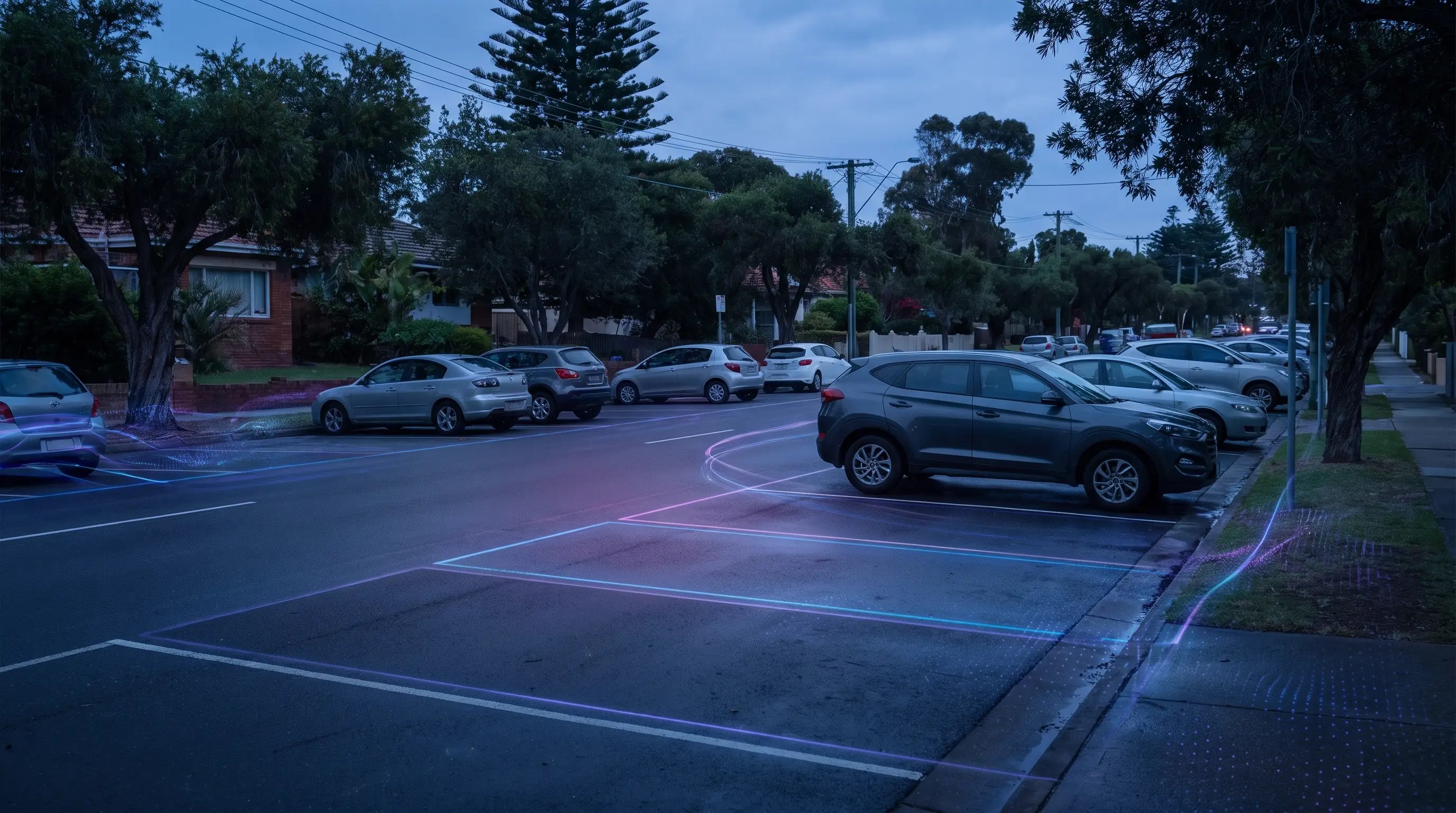
Aero Ranger helps teams detect vehicles using permit zones without the right authorisation by matching plate reads to permit categories, active hours, zone scope, exemptions, evidence and cases.
A valid permit still needs the right zone and the right time.
Resident areas. Staff parking. Active hours. Exceptions that deserve a careful check.
AeroRanger connects the workflow. Configure permit categories. Map their zones. Capture vehicle sightings. Check authorisation. Review the matter before action.
Match the plate to the relevant category, operating window and exemption context. Keep the evidence and officer notes with the same parking record.
Back in CORE, review repeat vehicles, permit exceptions and pressure across your managed areas.
Keep the decision, notice and case history connected, so follow-up starts with the full picture.
Bring a permit-zone scenario. We'll show your team the workflow. AeroRanger. Book your permit management demo.
Resident, staff, visitor, contractor and special-access permits can have different active hours, zone coverage and enforcement modes. Misuse detection needs that context before action.
A vehicle may hold a valid permit, but not for the zone where it was detected.
A permit category may only apply during certain hours, days or seasonal settings.
Some permits clear all decisions while others only clear no-permit or no-payment outcomes.
Small permit errors can create high complaint volume in residential and staff parking areas.
The field app / iPhone and Android
Record the vehicle, parking location and relevant site evidence. Keep those observations connected to the wider permit and exception review.
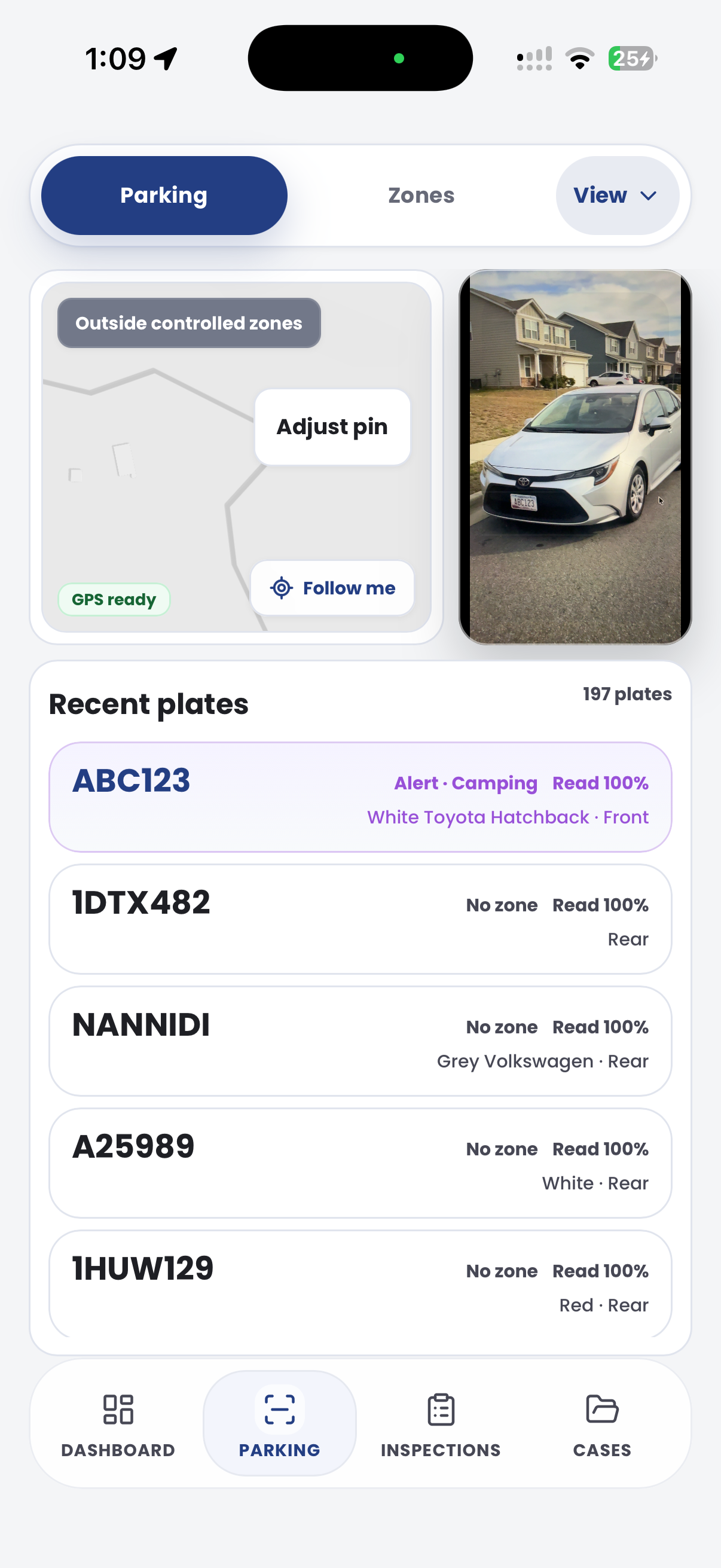
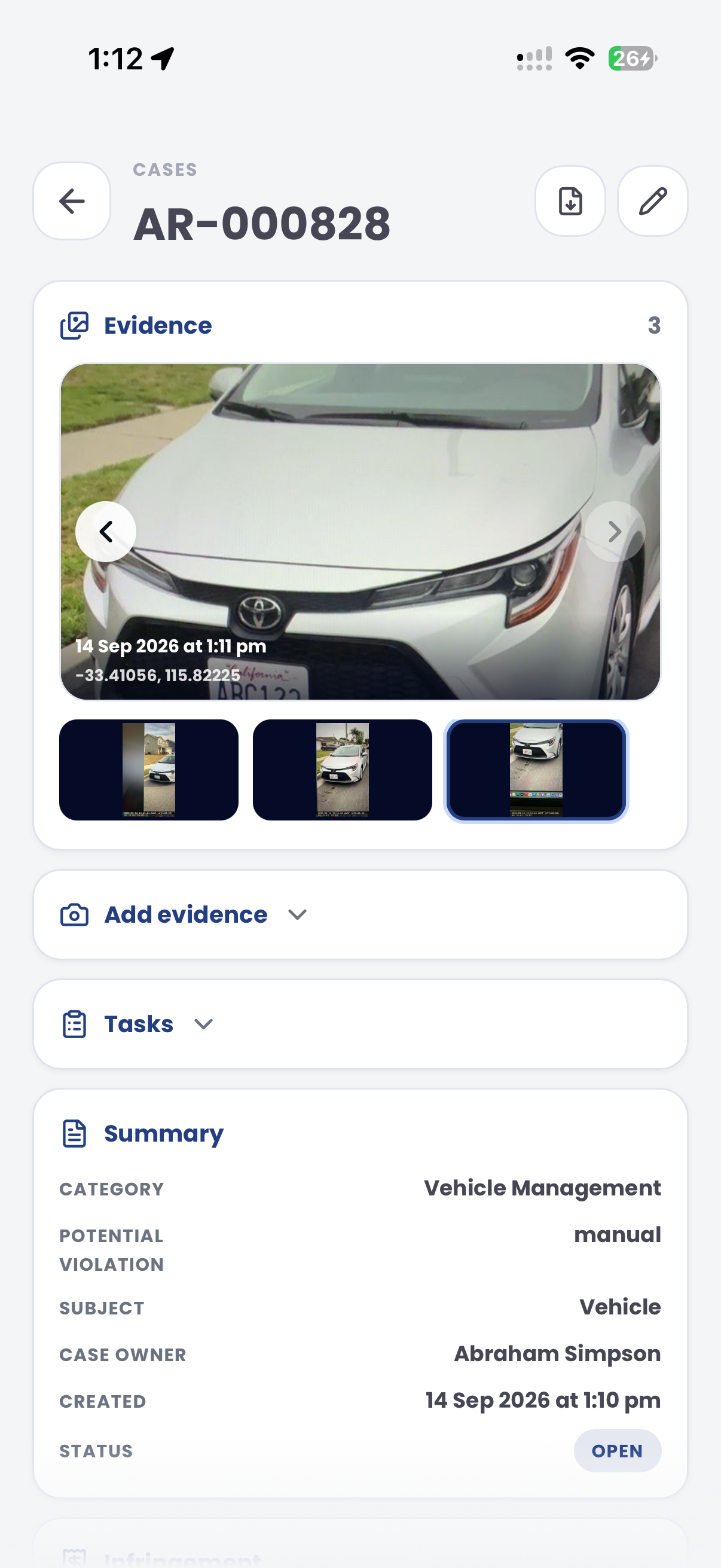
The useful question is not which feature exists. It is whether the team can see the place, rule, evidence, exception, next action and review history before making a decision.
Configure categories, colours, descriptions, active hours and enforcement modes.
Permits, configuration permits and permit logic.Evaluate plates only against the zones and tags each permit category covers.
Zones, tags, profiles and permit category scope.Use plate reads to identify vehicles without a matching permit or exemption.
Plate scans, enforcement decisions and permit status.Map no-permit or related decisions to the right local-law outcome.
Parking offence mapping and enforcement configuration.Move matters into case queues with evidence, notes, statuses and notice state.
Cases reports, case management and audit trail.Report repeat vehicles, pressure zones and permit exception patterns.
Intel, exports and vehicle replay.A permit-zone decision needs the plate, zone, active category, permit window, enforcement mode and any exemption visible in one workflow.

Match the plate to category, active hours, covered zones, source and enforcement mode.
Use zone boundaries, tags and profiles so each read is checked against the correct restriction.
Hold evidence, offence mapping, notices and exceptions inside the case.
A permit-zone review compares the plate with permit category, active dates, property link and zone authorisation.
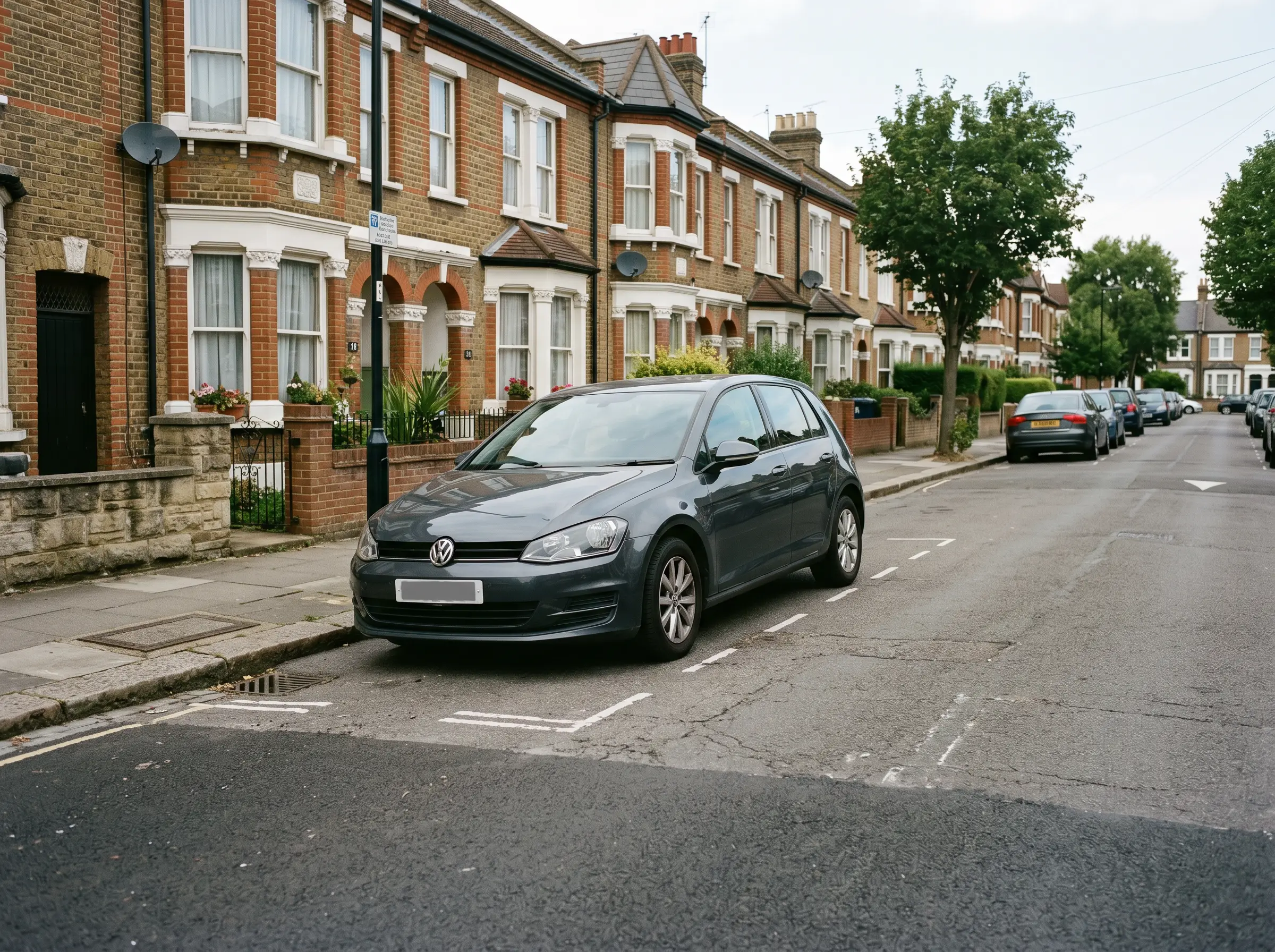
Vehicle parked outside the relevant permit authorisation
Aero Ranger keeps the issue photos, place context, rule context and follow-up state together so the case can be checked later without rebuilding the record.
The issue photo stays on PZ-60934 with the case note and current case status.
Site, street, reserve, bay, kerbside or zone context stays attached so reviewers can see where the issue occurred.
The relevant signage, permit condition, local-law category or operating rule is recorded beside the issue evidence.
Later photos, reinspection notes, notice evidence and closure decisions remain in the same case trail.
Permit-zone misuse is an authorisation check. Council needs to know whether the vehicle, permit category, property or account is valid for that exact zone and time.
Confirm resident, visitor, staff, contractor or restricted-area rules, active times, property boundaries and permit conditions.
Link the plate read to the permit account, expiry, zone, exemption and any temporary authorisation or manual override.
Close authorised vehicles, contact permit holders where needed, issue warnings or notices, and report pressure where permits and kerb demand conflict.
Rego, permit category, account or property link, active dates, authorised zones and permit conditions.
Resident zone, staff zone, contractor area, loading area, restricted bay, active hours and rule reference.
Plate read, location, photo, permit lookup result, officer note and exception outcome.
Authorised, unauthorised, expired permit, wrong zone, grace period, exemption, warning issued or notice issued.
Review, contact permit holder, issue warning, issue notice, close, update permit data and report pressure by zone.
Teams can configure permit categories and active hours, then pilot a resident or staff zone before expanding to wider permit programs.
Define who is authorised, where they can park and when the permit applies.
Attach categories to streets, car parks, staff areas, visitor bays or resident zones.
Use patrol or fixed camera reads to check plates against permit logic.
Suppress authorised vehicles and open cases for likely misuse.
Use hotspots and repeat activity to tune rules and communicate permit changes.
Once zones, vehicle sightings, evidence and case flows are configured, related compliance categories can use the same platform pattern.
Check whether a valid paid session or permit clears a parking decision.
Combine permit context with timed parking and grace-period rules.
Use permit and exemption review for sensitive bay-based decisions.
Use temporary permit categories and zones when normal access rules change.
Share the short brochure with stakeholders, then use the procurement guide to frame requirements, governance, rollout and evaluation.
Bring a resident, staff or visitor permit scenario and we will walk through category logic, zone scope, evidence and case review.
Technology procurement guide
Use your organisation or government email address. Your guide will be ready to open as soon as the form is submitted.

